How to Update Collection Images Using Metafields
In Settings, download the images into the FILES section.
- Collection images can be used as a slideshow.
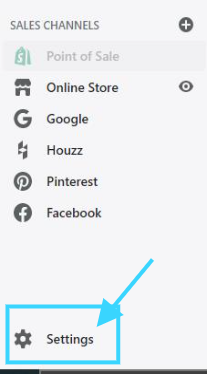
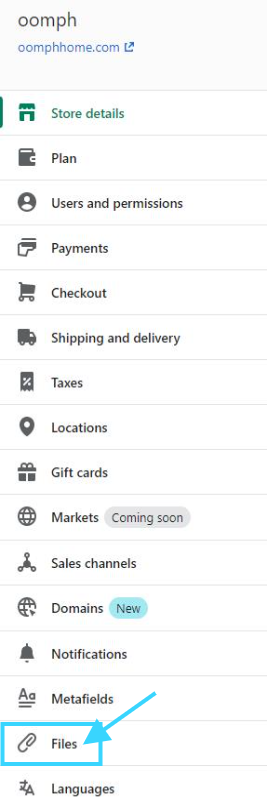
Copy the link
Open Poshify Utils. (You may have to add the browser extension the first time you use Poshify Utils)
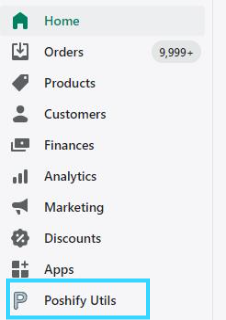
Click Metafields Editor
-c28184656e80fe13838f23c929f22974.jpeg)
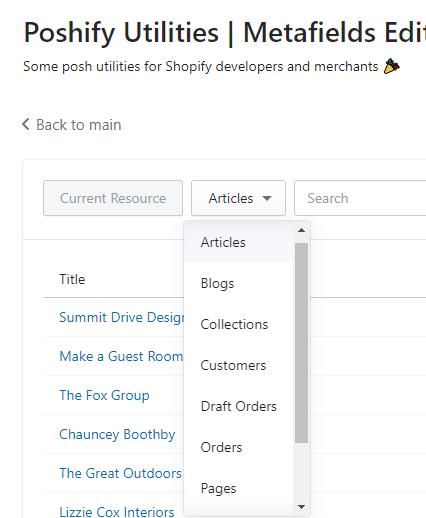
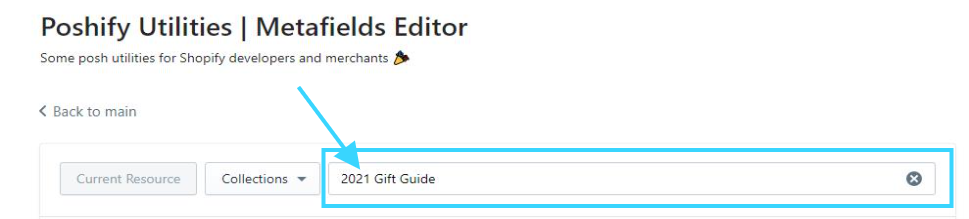
Select COLLECTIONS from the drop-down menu
Search for the Collection. Here we used "2021 Gift Guide" for an example.
Metafield: namespace = slides / key = first, second, third, ETC. VALUE = image link copied from the files section / save as string
-9ec21ae52c8ae5276078d1f8811c430c.jpeg)
Click UPDATE and it will update the collection image