How to update the Donation text on the Cart page
How to update the Donation text on the Cart page
- Login to your Shopify store
- Access the Online Store from the Admin panel on the left side of the page
-759f20e57712a223555a5684db801932.png)
- Access the theme customizer by clicking on Customize

- In the theme Customizer select the Cart page from the dropdown at the top of the page

- On the Cart Page, click Cart page from the list in the Admin panel on the left side of the page
-d83d4cf95c2d6233a49f49fd1faaa84a.png)
- The Donation text on the Cart page located above the donation amounts located here
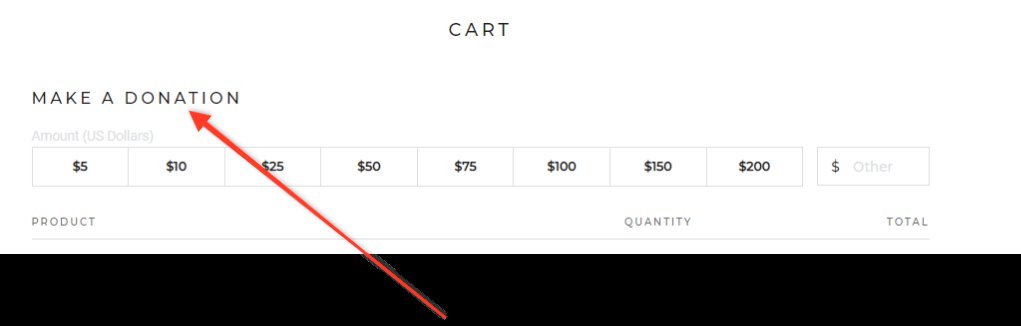
- Can be changed from the admin panel on the left side of the page in the text box Text for Donation Button
-af0d8bcd9afa2434346738768d8383e7.png)
- Click the Save button located in the upper right hand corner of the page to complete the change.
