Managing the Ticker Bar
Log into your Shopify Admin site: https://oomphhome.myshopify.com/admin
Select “ONLINE STORE”
-2e5aaa85c04636518b1955696e47843b.png)
Select “CUSTOMIZE” on the “CM - Ticker Message v2021.04 - PDP Updates” theme“
-d18a7f7d72228a3a83e79f336c0ee0da.png)
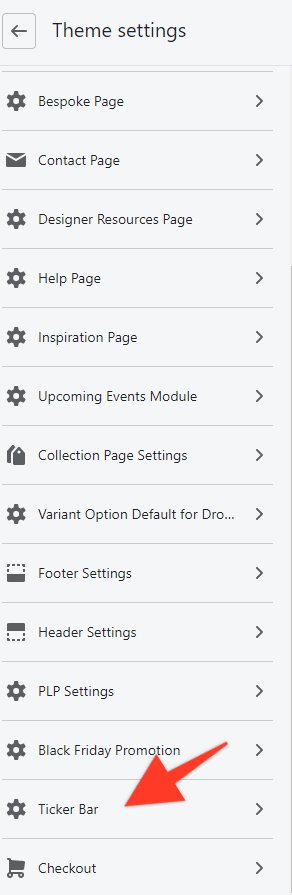
Select “THEME SETTINGS”

Scroll down to “TICKER BAR”
Default = Tab title when you have nothing in your cart
Cart = Tab title when you have anything in your cart
Ticker Time = Approximate speed of the title ticker
-9b0b404847fe97d9300c8ffdcbb946c5.png)
Be sure to SAVE your changes