How to update the Smile.io slider on the cart page
- Click Online Store from the Admin bar on the left side of the browser

- Left click Actions to display the dropdown then left click Edit code

- Click on SNIPPETS / smile-points-slider.liquid
-ca35a1a4e9726f8472e8a73ed59daad8.png)
- On line 22 you will see a pointsProductId variable
-5ce830b705ca0190b2922ae7410bcdf5.png)
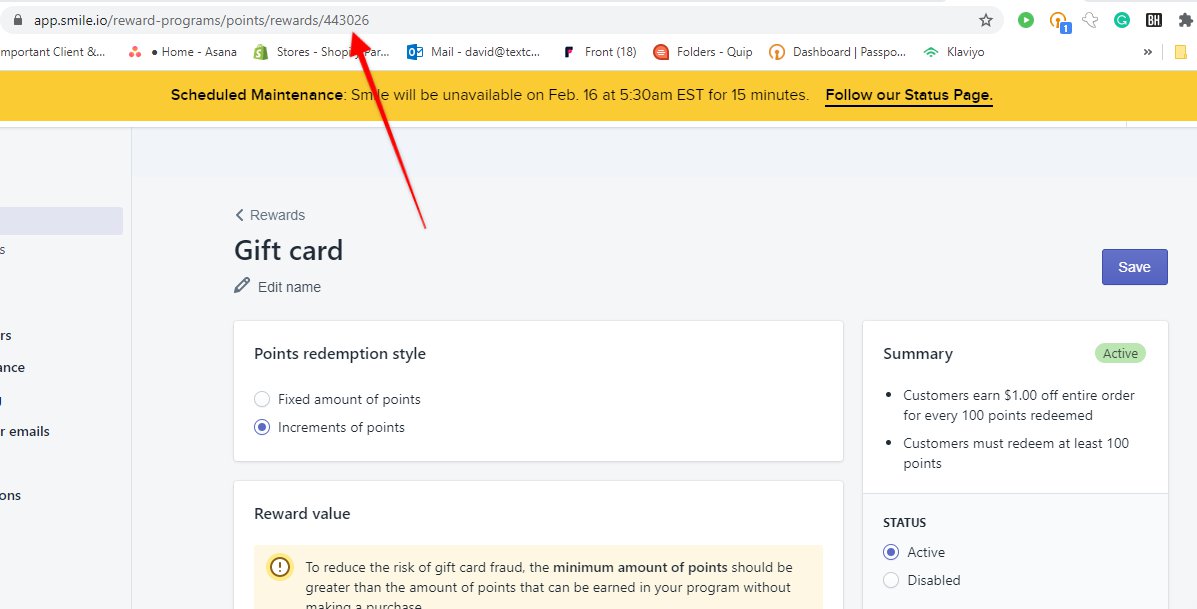
- That number must equal the number in the url for the gift card reward.
- Currently it is – 443026
- The number is found by going to Gift cards from the Rewards page of the Smile.io app - https://app.smile.io/reward-programs/points/rewards
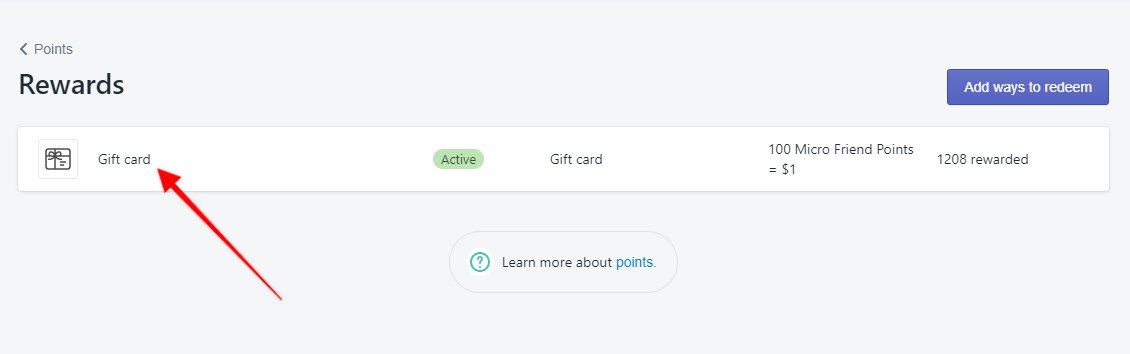
- URL for example: https://app.smile.io/reward-programs/points/rewards/443026?codes_page=1&codes_tab=import