Awards Page Configuration
Navigate to your theme customizer > in the dropdown select PAGES > click the AWARDS template
Awards Section
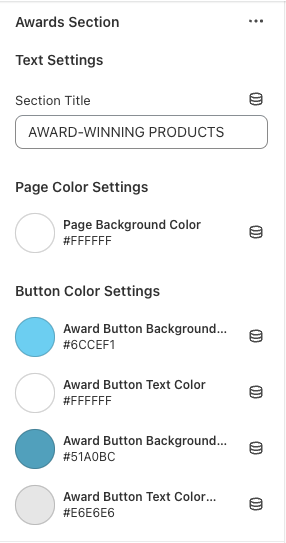
Section title = the title of the page
Page color settings = background color of the page - can be changed if you wanted
Button color settings - can change text / button background colors including hover (which are the two bottom settings)
Award Block Settings
Click ADD AWARD to add a new block (new award with the pop-up)
Award content settings
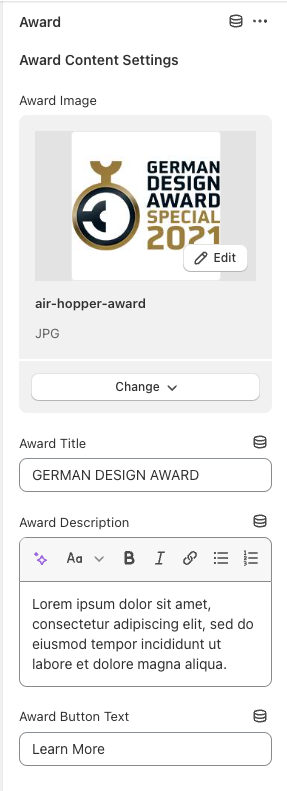
Image = the award image
Award title = enter text for the award title name
Award description = Can enter a description for each award. If you don't want to include one, you don't have to.
Award Button Text = the button text that shows in the award block
\
Award Modal Settings
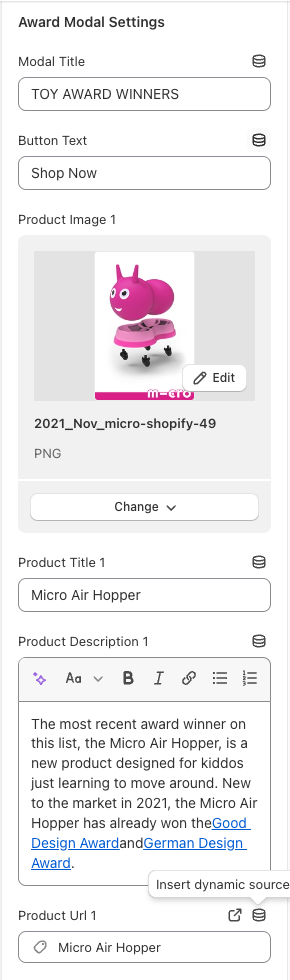
Modal Title = The title of the pop-up per award
Button text = the text for the button that shows under the product in the popup
Image = the product image
Title = product title
Description = description of the product / why it received this award. Can enter anything you want
URL = The URL of the product that links to the button in the popup
This can be repeated 4 times (can add up to 4 products in the modal popup)