How to Update the Main Menu
- On the Main Menu navigation
- Click on the arrow in front of Travel
-da30de71d72f97aba6dc53c8010eb577.bin)
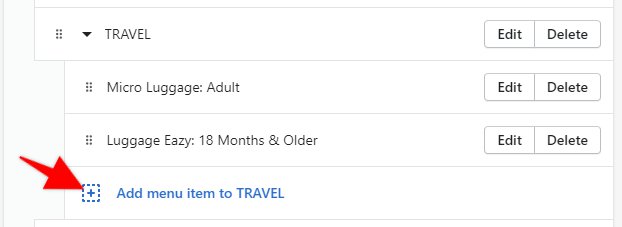
- Click Add menu item to Travel
- Add the name and link to the new menu item
-080e5f315305c120ea35edad16420432.bin)
- Click the Add button located at the bottom of the Add the Menu item bar
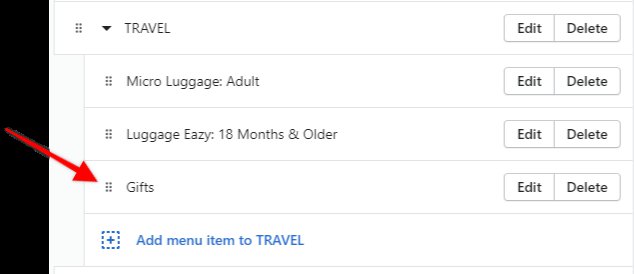
- The navigation should look like this
- Click the Save button located in the top right corner of your browser
- Verify everything is correct on the live store
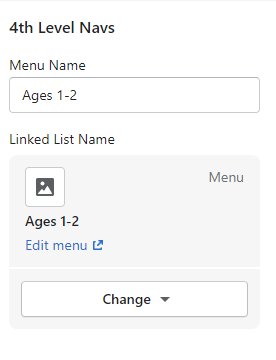
If you want Gifts bolded, add Gifts under Travel and then create a new navigation menu named Gifts, would need to add another content block, 4th Level Navs and then add the Menu Name and link to the menu - example Ages 1-2 - just have 1 link in this menu saying Gifts and link as needed.