Updating Payment Method
- Open your browser and go to Adobe.com
- Click Signin on the top right (you may be signed in already, if so, go to step 5
- Use your [email protected] email to login
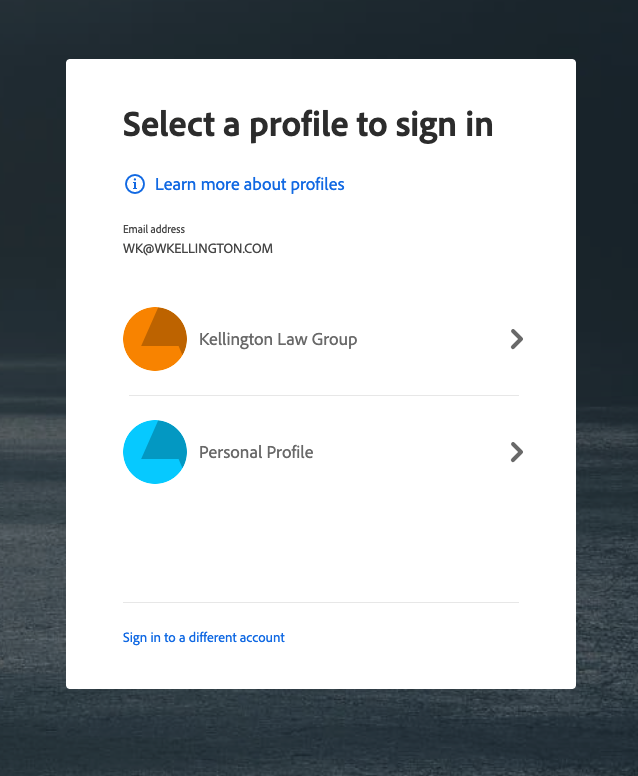
- When asked, select KELLINGTON LAW GROUP
- After logging in, click on the blue circle on the top right and hit MANAGE TEAM (you may be able to click on this link to get there faster - https://adminconsole.adobe.com/E9B039F7568C328C7F000101@AdobeOrg/account )
\
-b6ff1c2e54725c770b6910386012c982.png)
- Click on ACCOUNT on the top navigation bar in the admin console
- Click on MANAGE next to payment - it will ask you to login with your personal account, just say OK and it will show you the credit card / management payment info under PAYMENT METHOD.