Connecting to VPN (Updated Sophos)
Download installation file here - https://www.dropbox.com/s/03qd1snhpd2kygm/Justin%20-%20sophosconnect_installer%20%281%29.zip?dl=0
Download and unzip the file from Dropbox.
Double click on the SophosConnect_2.0_(IPsec_and_SSLVPN).msi file
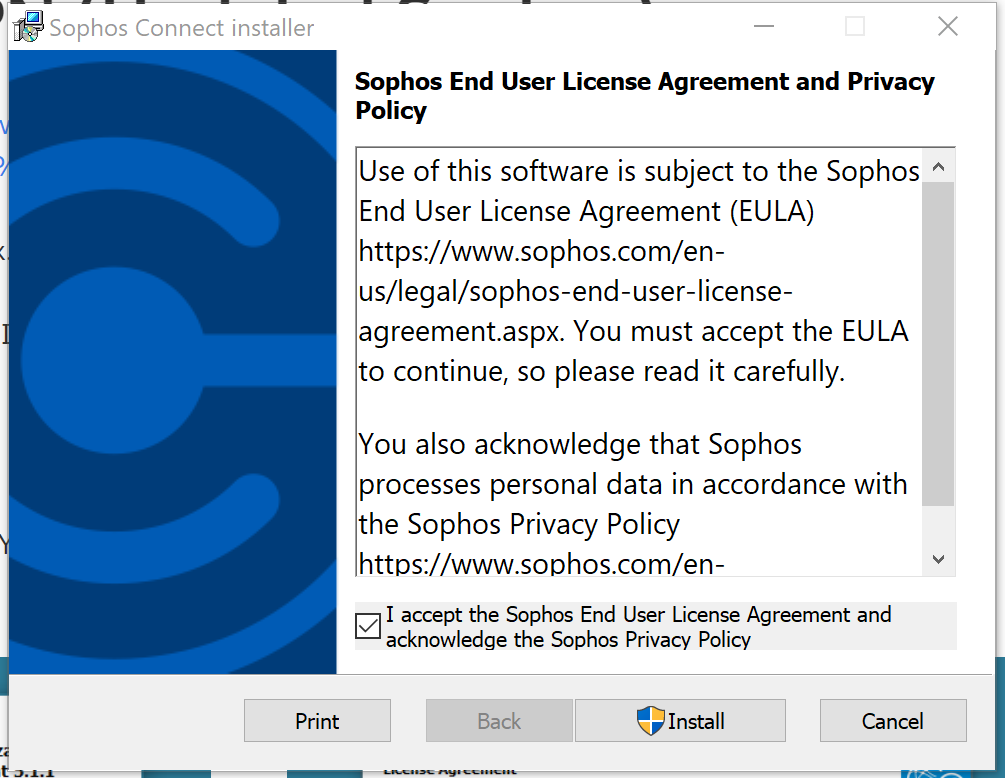
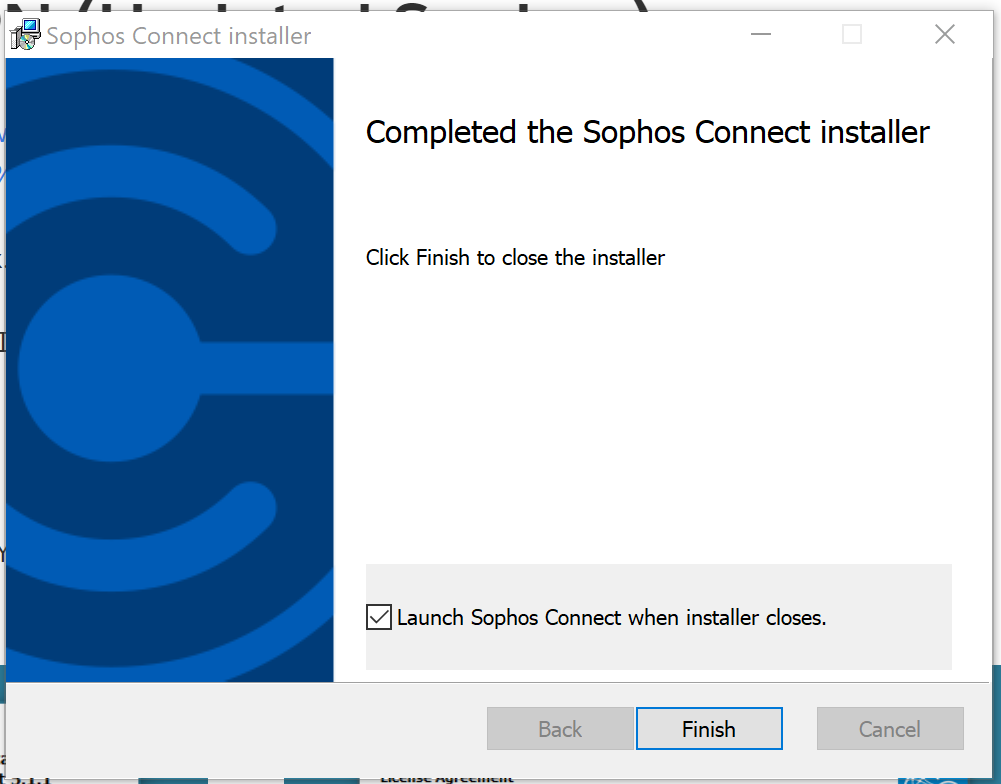
Click the I accept checkbox at the beginning and then next. After installation is completed, click on the LAUNCH checkbox and hit finish.
\
Next to your clock in the tray you will see a circular C icon. Click on that.

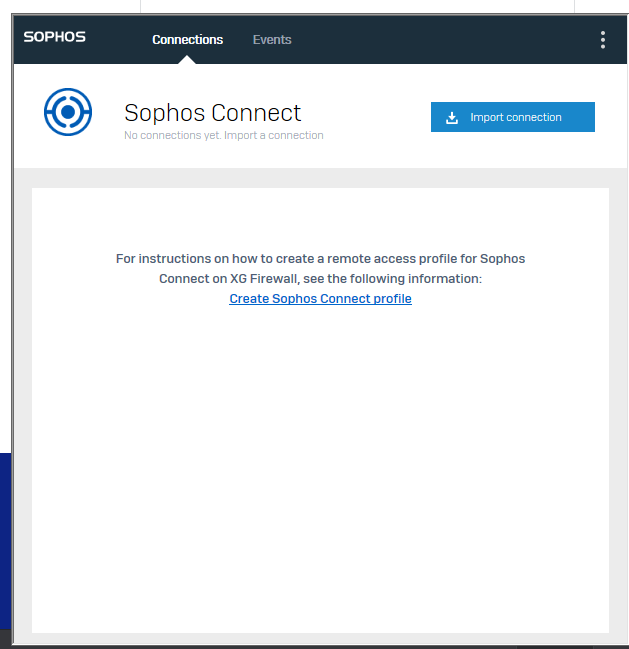
You will then need to ADD a connection to actually connect - click IMPORT CONNECTION and use the file emailed to you":
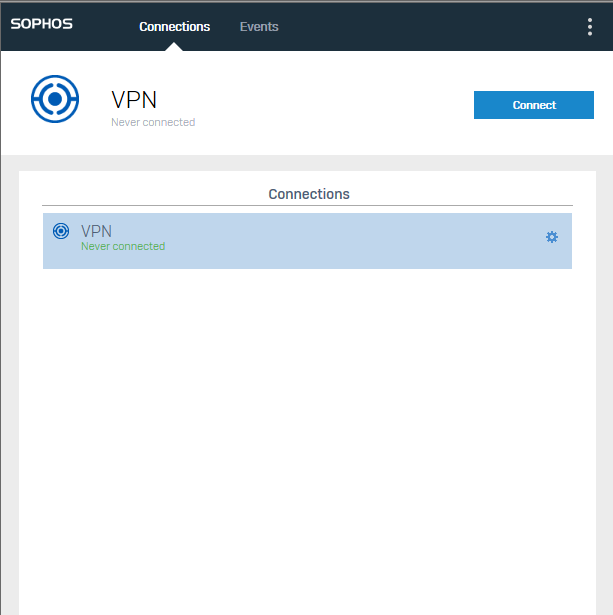
You should now see the option to connect to the main office. If you cannot connect, let me know.
Once Connected - you can access the server, by doing the following: open your file explorer and in the top bar, type: \192.168.111.202\ then hit enter
Your username is: wendienet(INITIALS HERE) Your password is the same you login to your computer with