Recover Item from Backup
- Login to backup provider - https://www.crashplanpro.com/
- Login: [email protected] / No1dralexbratt
- At the top after logging in, click on DEVICES

Click on wkPRIMARY in the list
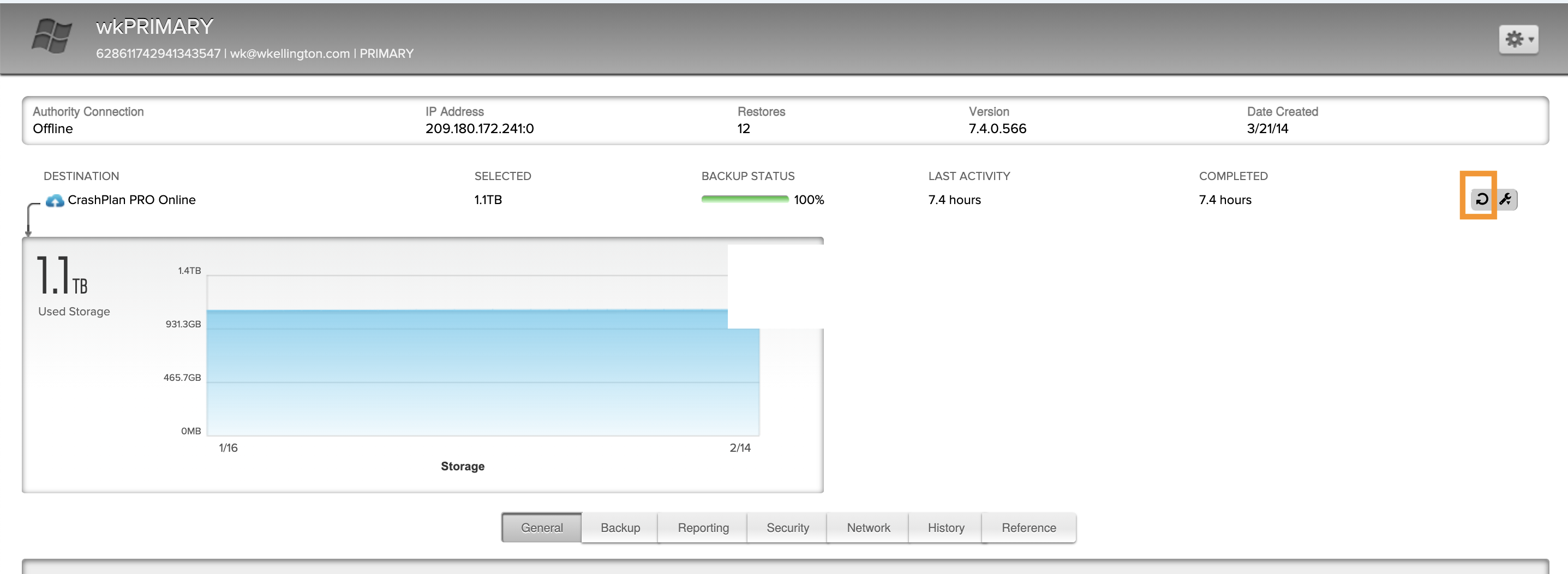
Click on the arrow circle on the right hand side of the window
Expand:
E:
SHARES
SHARED
OFFICE
_client Folders
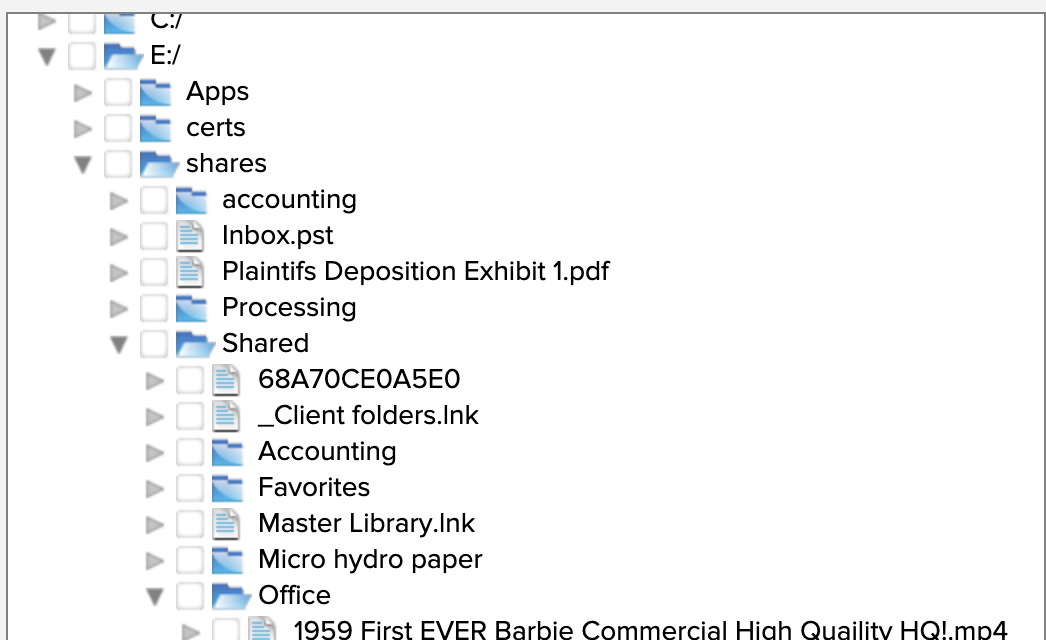
- Check the box for each item you want to download and then click on RESTORE
- Down on the bottom left you will see the place to actually download the zip file of all your files you selected click on it and you will download the files
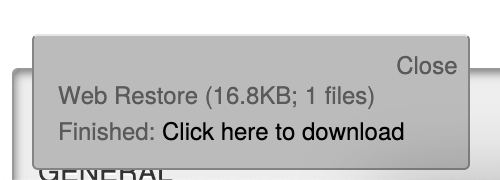
You will then be able to open this folder in your DOWNLOADS folder