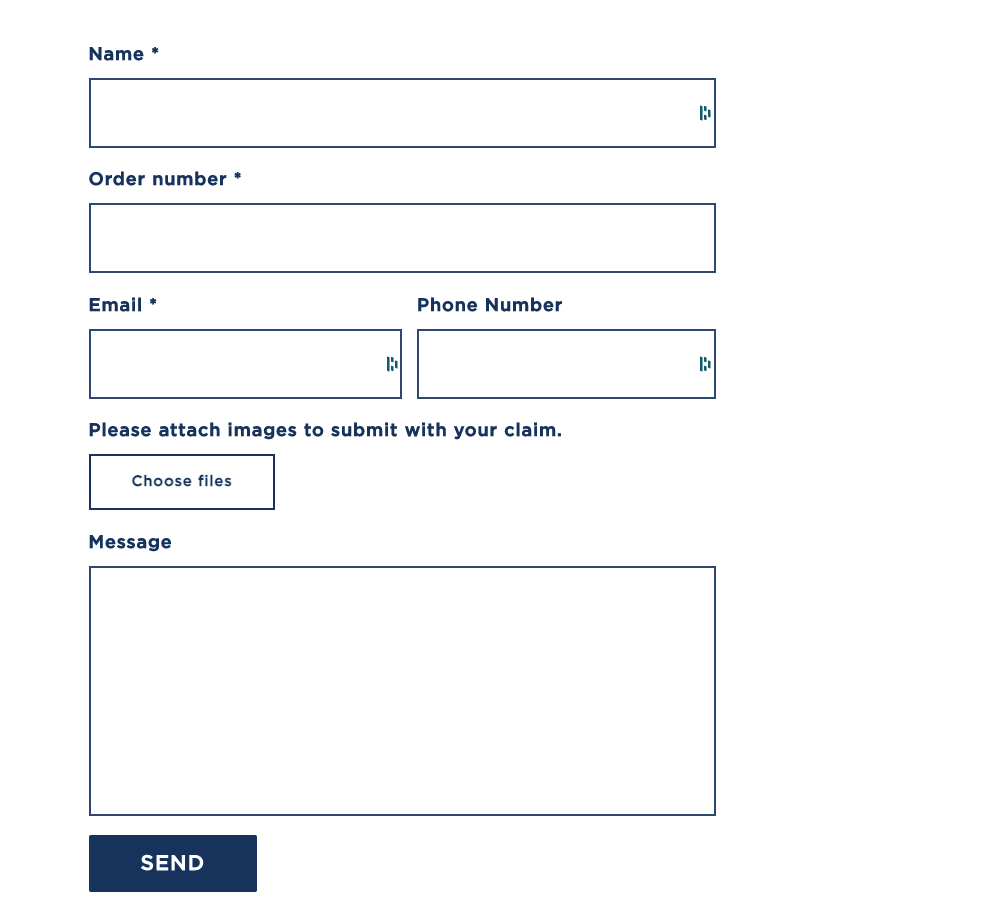
Warranty Claim Form
Configuration
info
PRODUCTION - GEMLUX is the main primary production build
- Login to Shopify Admin
- Click on ONLINE STORE
- Click CUSTOMIZE on the theme you are working on
- In the top toolbar, select Warranty Claims as the page to edit
Settings
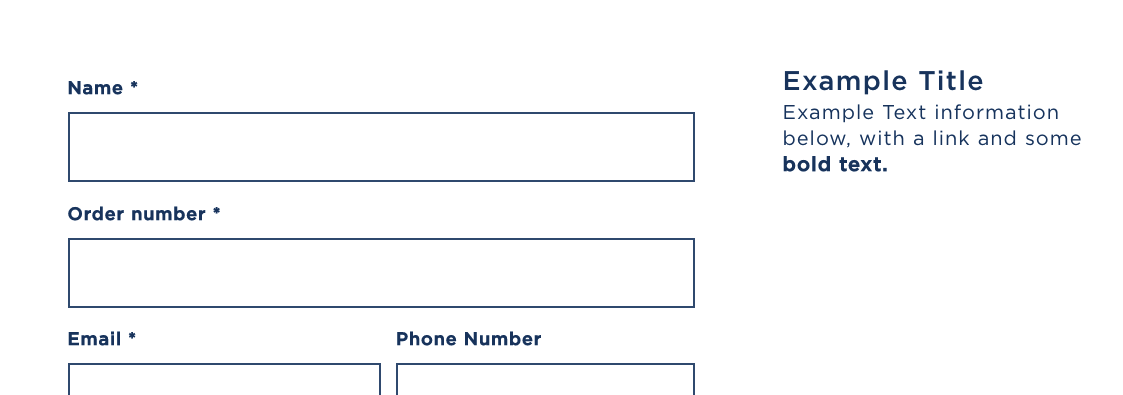
Business Details Block
Settings for information that will appear to the RIGHT of the contact form.

Title [OPTIONAL] = Heading Text
Content [OPTIONAL] = Body Text
Section Settings
Name Title = Title for Name Form Field
Subject Title = Label for Subject Form Field
Email Title = Label for Email Form Field
Phone Number Title = Label for Phone Number Field
Choose Files Title = Label for Image Attachments
Message Title = Message Body Field Label
Header Background Image (Desktop) / Header Background Image (Mobile) = Image on header
Title = Title to display on top of image
SubTitle = Sub-Title below Title - still on top of image
Text Color = Light - White Text | Dark - Black Text
Half height = shrinks the height of the header image
Title is SEO Header = Renders an H1 for the Title on the Header