Explore By Category Section
Navigate to the theme customizer
You will see a section called Explore by Category
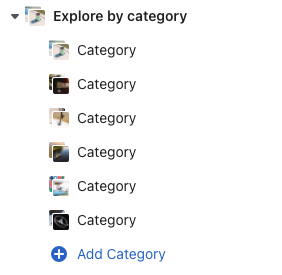
If you click on the 'Explore by category' section, this is where you can enter the heading of the section.

If you click "add category", it will create a new block to add a new category block within the section.
-a27ebea951f643de1f02689eeba58d88.png)
Category Image - this is the first image that appears in the section
Category image URL - Links to the collection for the category (when clicking on the image)
Image Hover - this is the image that will display when the use hovers over the section
Category title - this is the title of the category that will display
Category Link - this links to the category title