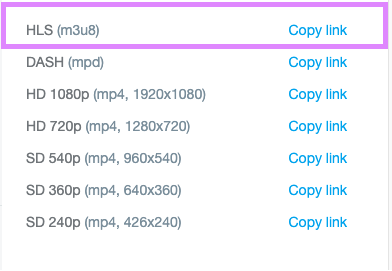
How to get correct HLS video link in Vimeo
NOTE - Need to be on the PRO plan on vimeo to access this HLS link
When you upload a video to your Vimeo account, once it’s done optimizing and ready, you will see this sidebar on the right
-ab982cac616e5f923858f20bfa1053fc.png)
Click ADVANCED
It will bring you to a different page. On the left sidebar, click DISTRIBUTION
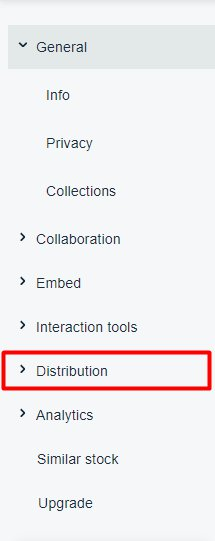
When the options expand, click VIDEO FILE LINKS
-03bf637a57bb845e149ae98d5500ceab.png)
You will see a few different options of file links. HLS is the link you need to copy