How to get HLS Link for Video Section
We recommend using the Vimeo HLS Links.
To get this specific link, upload the video to Vimeo. Once the video is finished uploading, click the 3 dots in the top right corner
-123ce52f3bddf6bafceb4569eea64dd1.png)
Then click VIDEO FILE LINKS
-1ca99a6c899b9f15c1f99605331ff767.png)
The first video file link HLS (m3u8) is the link you want to copy.
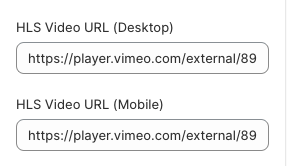
Then once you get the link copied, you can add to the HLS Video URL settings in the theme customizer.
Also, note - make sure to update the Desktop Poster/Mobile Poster images when the video is changed out. These images are just a placeholder before the video starts playing
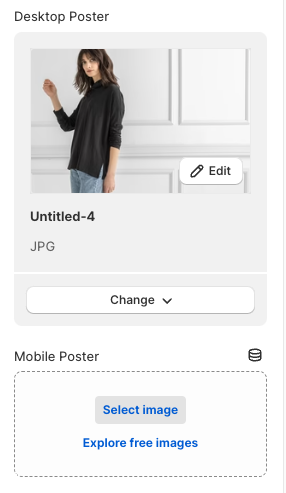
If a mobile image is not added, that is fine, it will just display the desktop version of the image.