Blog Article Page Configuration
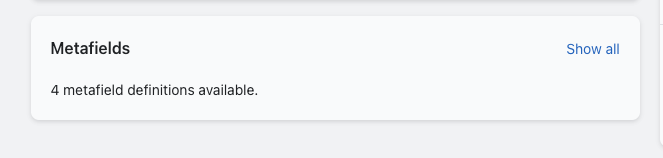
When you click on a blog post in the Shopify admin, you will see there are metafields available.
Click on the SHOW ALL button link
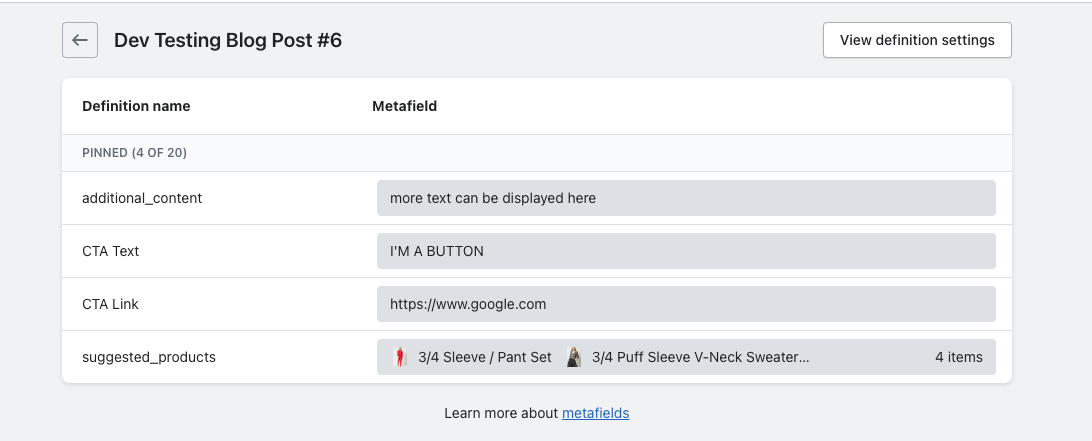
additonal_content = text content that shows UNDERNEATH the button in the blog article\

CTA Text = the text that displays in the button when used
CTA Link = the link that you want the button to bring the user
suggested_products = the products that show in the YOU MAY ALSO LIKE section (upsells). Just click on the metafield and you can search for which products you want to show here. Note - you are able to choose different products for each blog article.
Theme Customizer Settings
In the theme customizer, in the blog article area, there are two text settings where you can change the headings of two sections.
-b6c8932cd8ea0c1c3c4c679459061f64.png)
Product Section Heading = the heading that displays for the suggested products in the blog article
Blog Gallery Section Heading = the heading that displays for the previous/next blog section in the blog article