Services Section
In the theme customizer, you will see a section called SERVICES above the footer section

Settings
When clicking on the Services section, you will see these settings appear
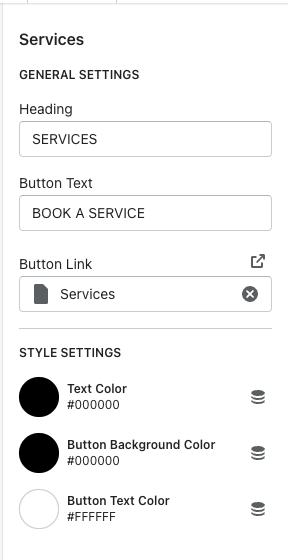
Heading = heading of the section
Button text = the text you want the button to display
Button link = the page it will bring the user when clicking the button
Text Color = changes the heading color and treatment heading
Button background color = changes the color of the button background
Button text = changes the color of the button text
To add a service, click the ADD SERVICE button
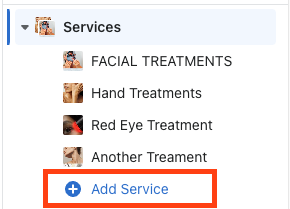
For the service settings, you will see these options

Heading = title of the service
Image = can choose which image you would like to display
Link = add the link you want the user to go when selecting the image