How to add image in mega menu
Go to the collection in the Shopify admin
For example: Skincare Collection https://joannaczech.myshopify.com/admin/apps/accentuate/app/edit?scope=collection&id=481794312
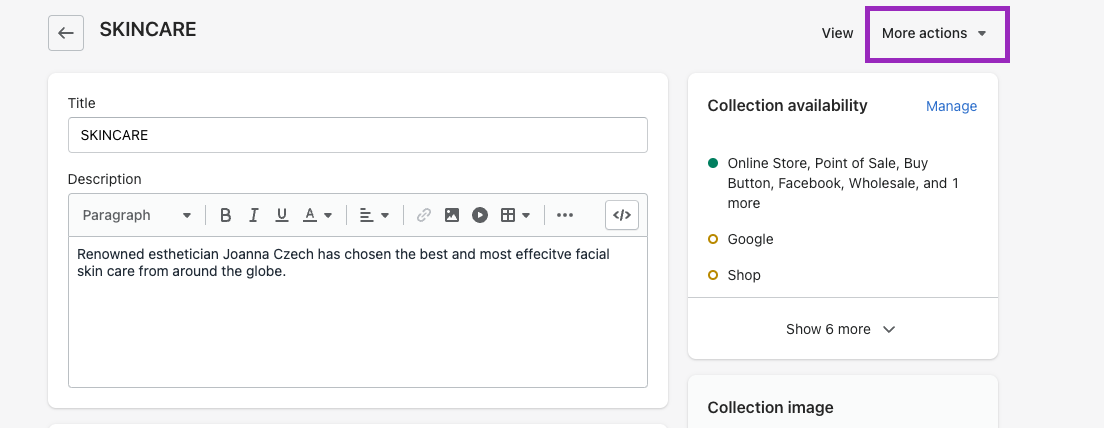
Select MORE ACTIONS in the top right
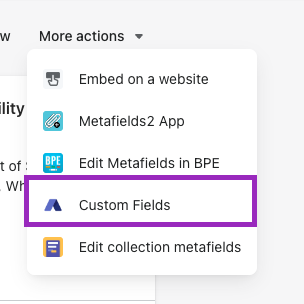
Then select CUSTOM FIELDS
You will then see these options in the Custom Fields App:

Megamenu image = the image you want to add in the mega menu for a certain collection
Megamenu Heading = the name of the MAIN menu name. Ex. SKINCARE
Heading color = the heading color
Megamenu CTA - the button text in the menu
CTA Link = the link where you want the button to bring the user