Collection Text Configuration
Go to a collection in the Shopify admin.
Click on the MORE ACTIONS tab in the top right. Then click 'custom fields'
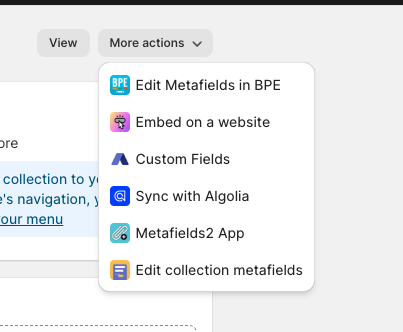
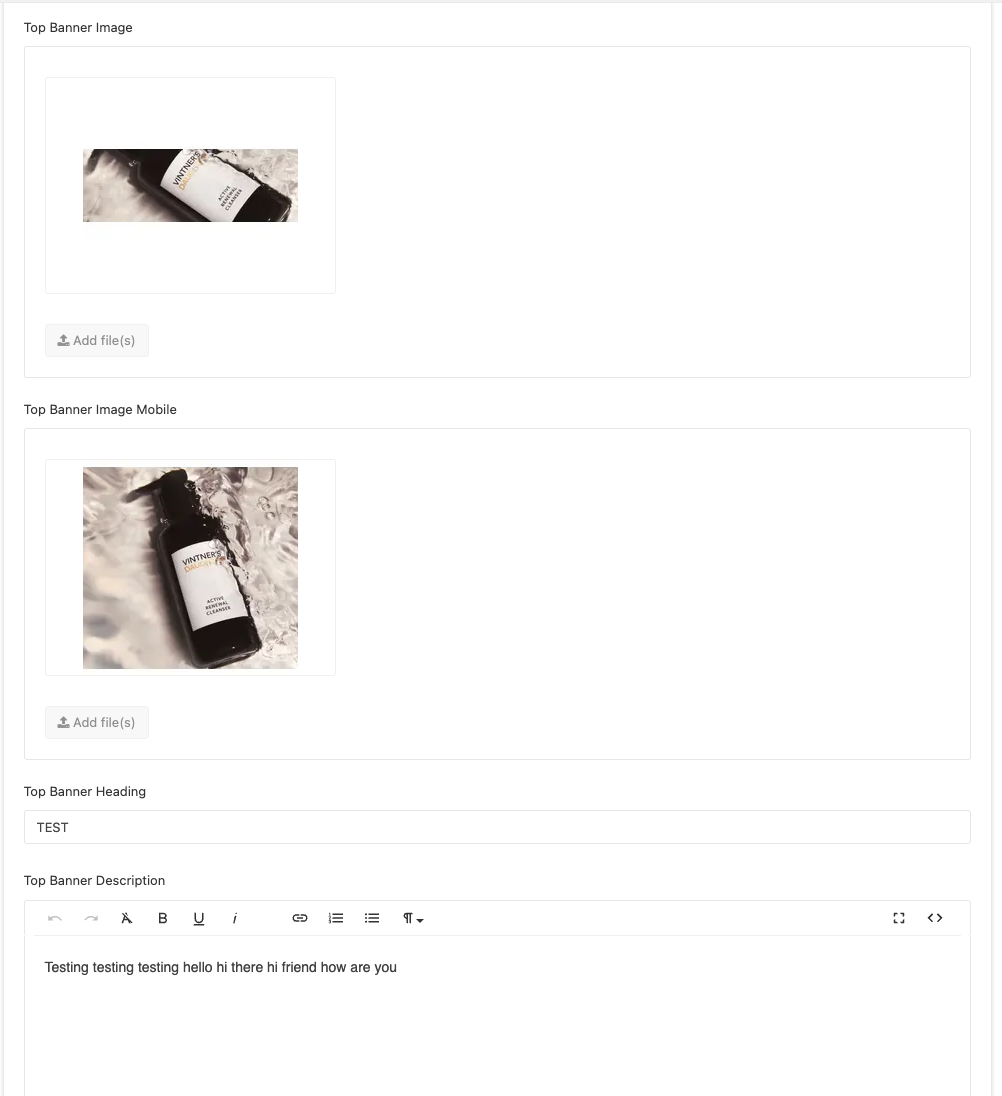
It will then bring you to the metafields app. This is where you will add the desktop & mobile image. Then enter the text you would like to be shown on top of the image - collection heading & description.
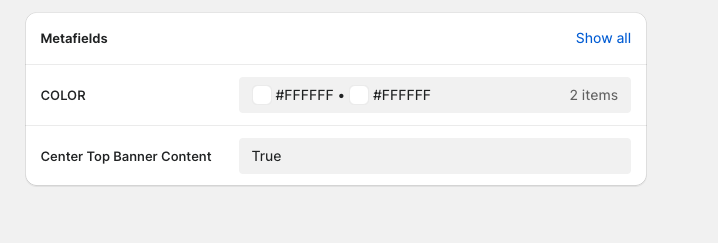
On the collection in the shopify admin, there are metafields where you can change the colors of the text and to center the text on the image.
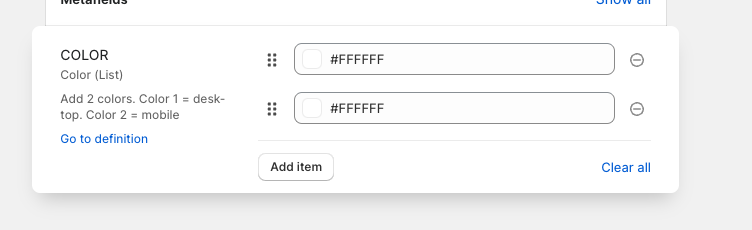
Color 1 = Desktop color
Color 2 = Mobile color
When the metafield 'Center Top Banner Content' is TRUE, that means the text on the image will be centered on desktop and mobile. When it's set to nothing or false, the default placement on the bottom of the image (not centered)
This a test collection that I created to show how it will look on the front end (desktop & mobile)