PDP Template for Variant Links
We created a specific product page template for the patterns where the variants link out to a different URL and cannot be purchased on the Auntie Zaza store directly
The template is called: pattern
Any product that is going to have this functionality, in the admin, you have to assign this template to it.

Product example:
https://auntie-zaza-s-fiber-works.myshopify.com/admin/products/1841058512969
When viewing the product in the admin, select a variant. Click EDIT
You will see there is a METAFIELD option now for a variant. It is called: Variant Option URL
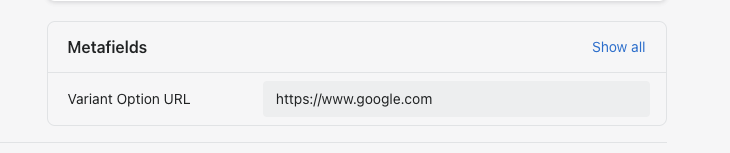
In this metafield, you can just enter a URL. This URL is where it will bring the user when they select the variant on the product page on the site.
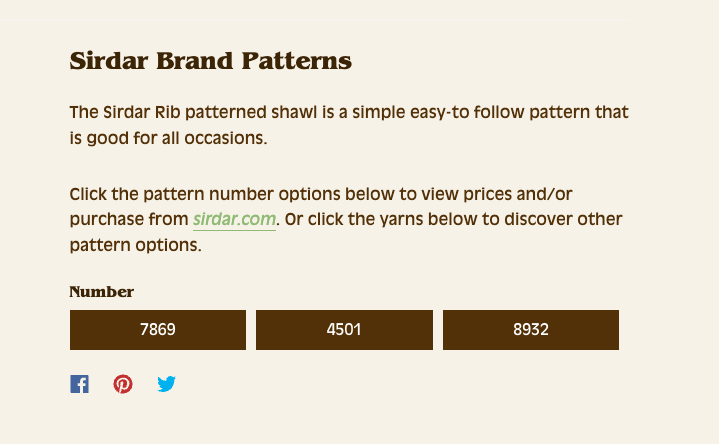
We also just recommend tagging the product in Shopify with pattern, just to help indicate that this product is different than the rest of the products on the site.
