Collections / Product Type
YARN COLLECTION
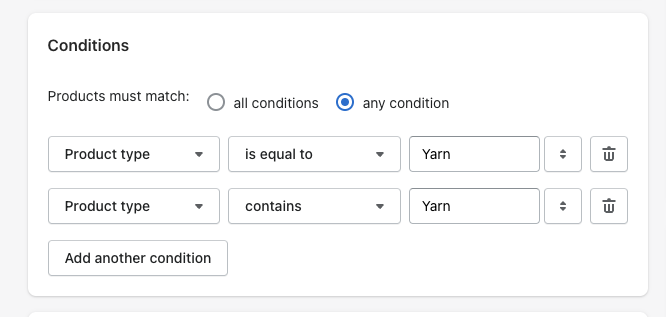
If a product needs to be added into the All Yarns collection, it is currently set up so if the product type equals YARN, it will populate into that collection.
Example Product:
https://auntie-zaza-s-fiber-works.myshopify.com/admin/products/7348909834328
PRODUCT ORGANIZATION - there is a PRODUCT TYPE field. In this field, this is where you can select YARN as the product type.
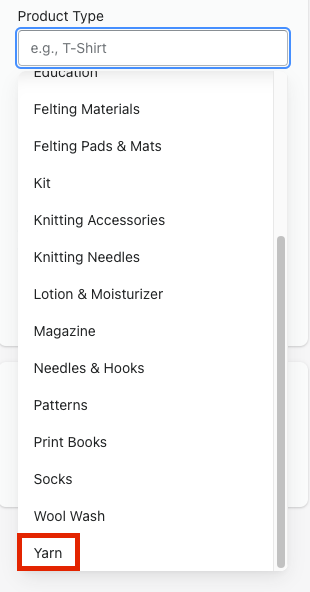
Once you select the yarn product type, it will be added into the All Yarns collection.
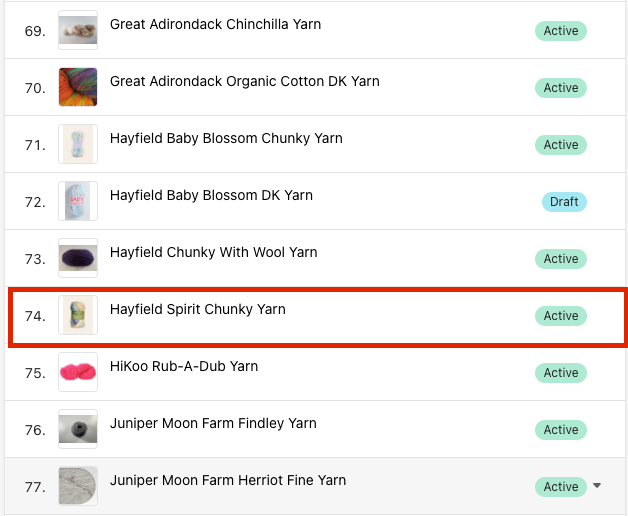
Setting a Collection to Sort Manually
When in the collection you want to change in the admin, scroll down to the PRODUCTS section. At the top, there is a SORT dropdown.
-f444dddf40c8582d5278b61ab110db1f.png)
When you set the collection to manual, conditions set up for the collection will be ignored. You will be able to browse for products and add them. You can then sort the product listing so it can appear on the website as to how it is sorted in the admin.