How to Configure Cross Sells in Cross Sell App
Go into the Cross Sell App
In the side bar navigation on the left, click ASSIGN then HANDPICKED
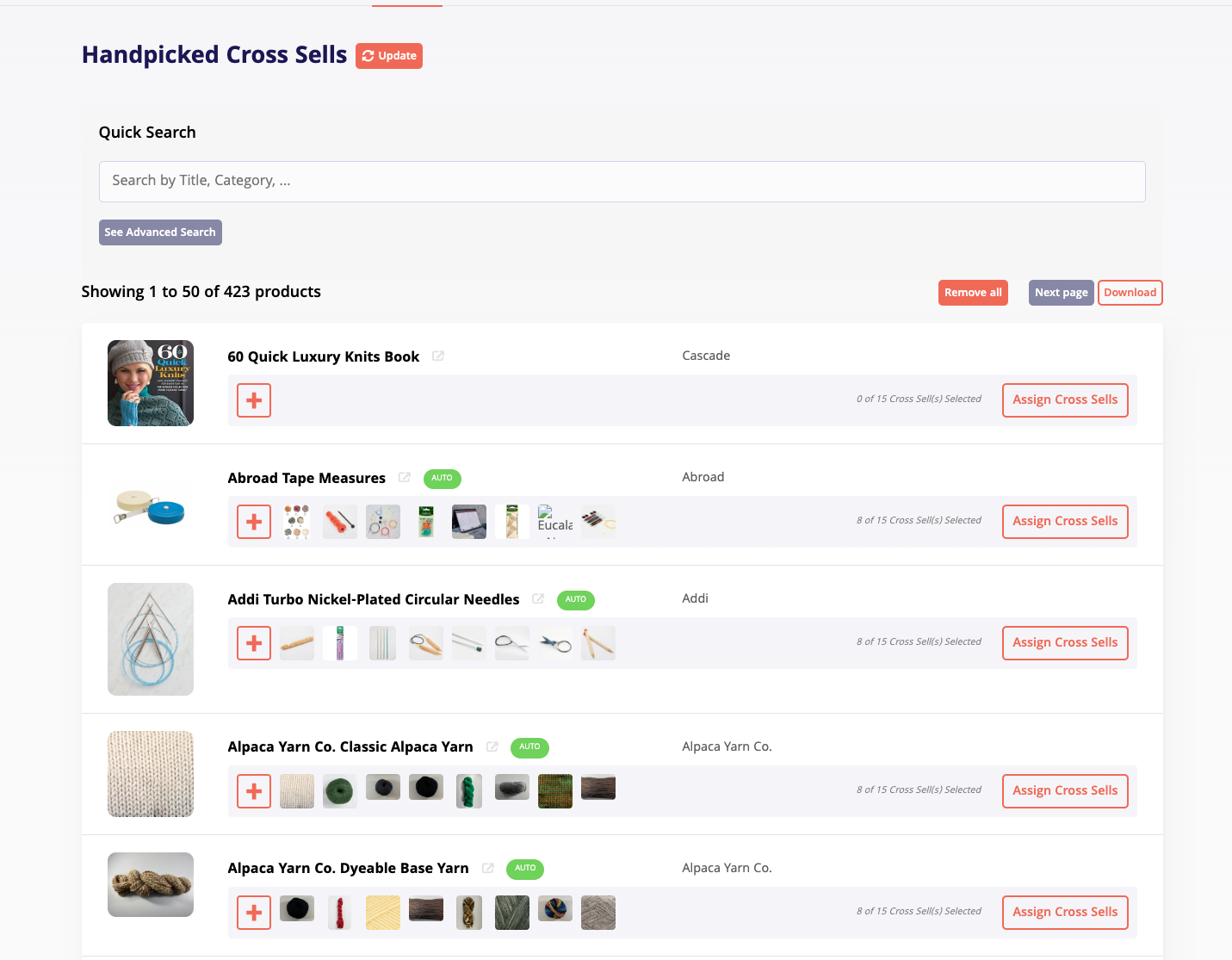
It will then bring you here. You can search for products in the search bar
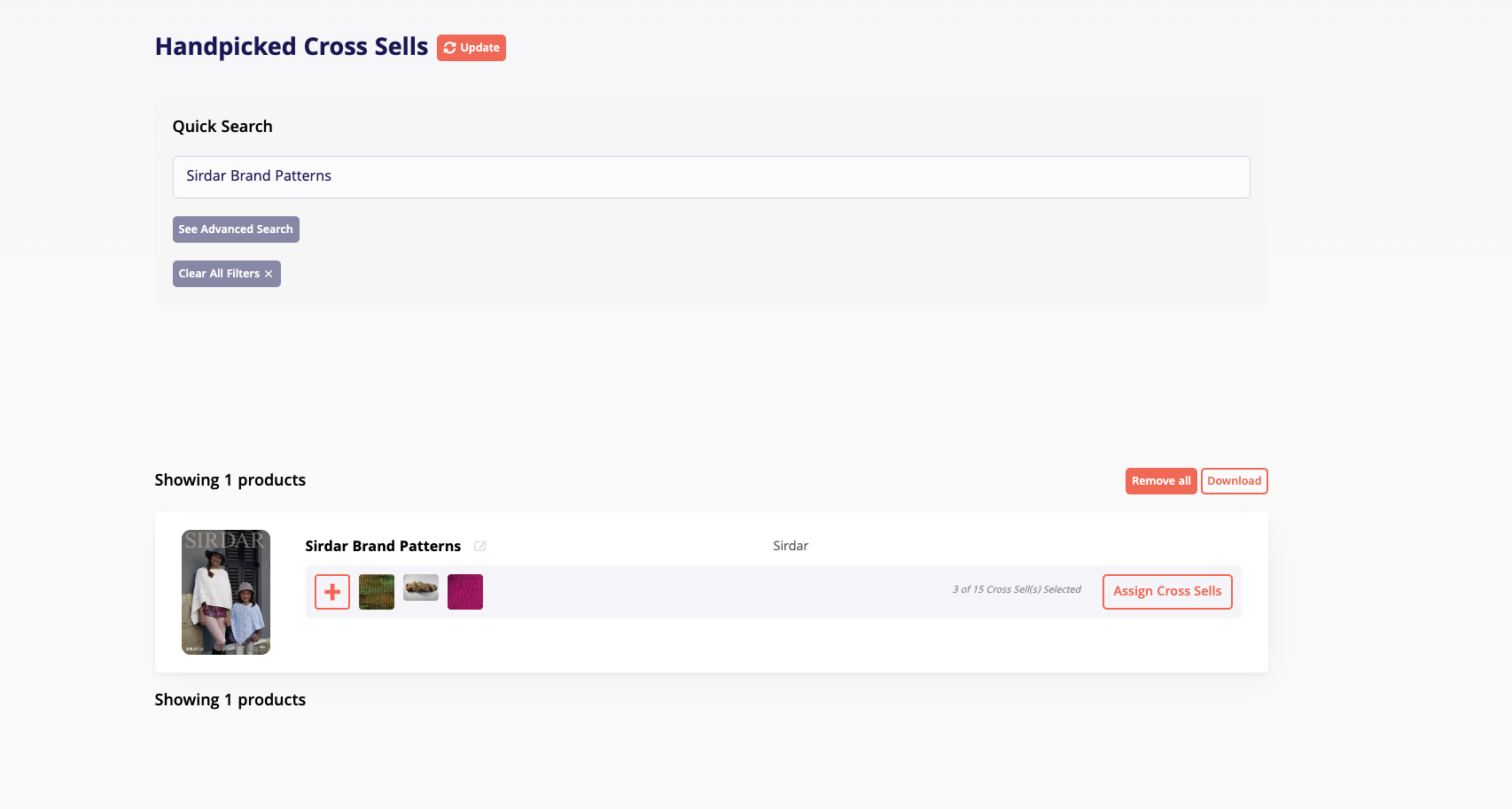
For example, I typed in the Sirdar Brand Patterns product
Click on the ASSIGN CROSS SELLS button.
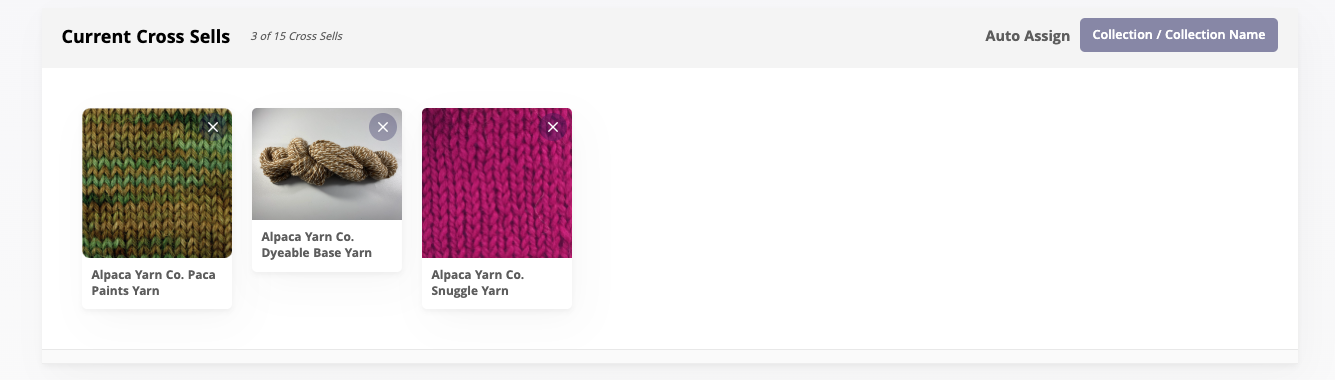
You will see there are 3 of 15 cross sells selected for this product.
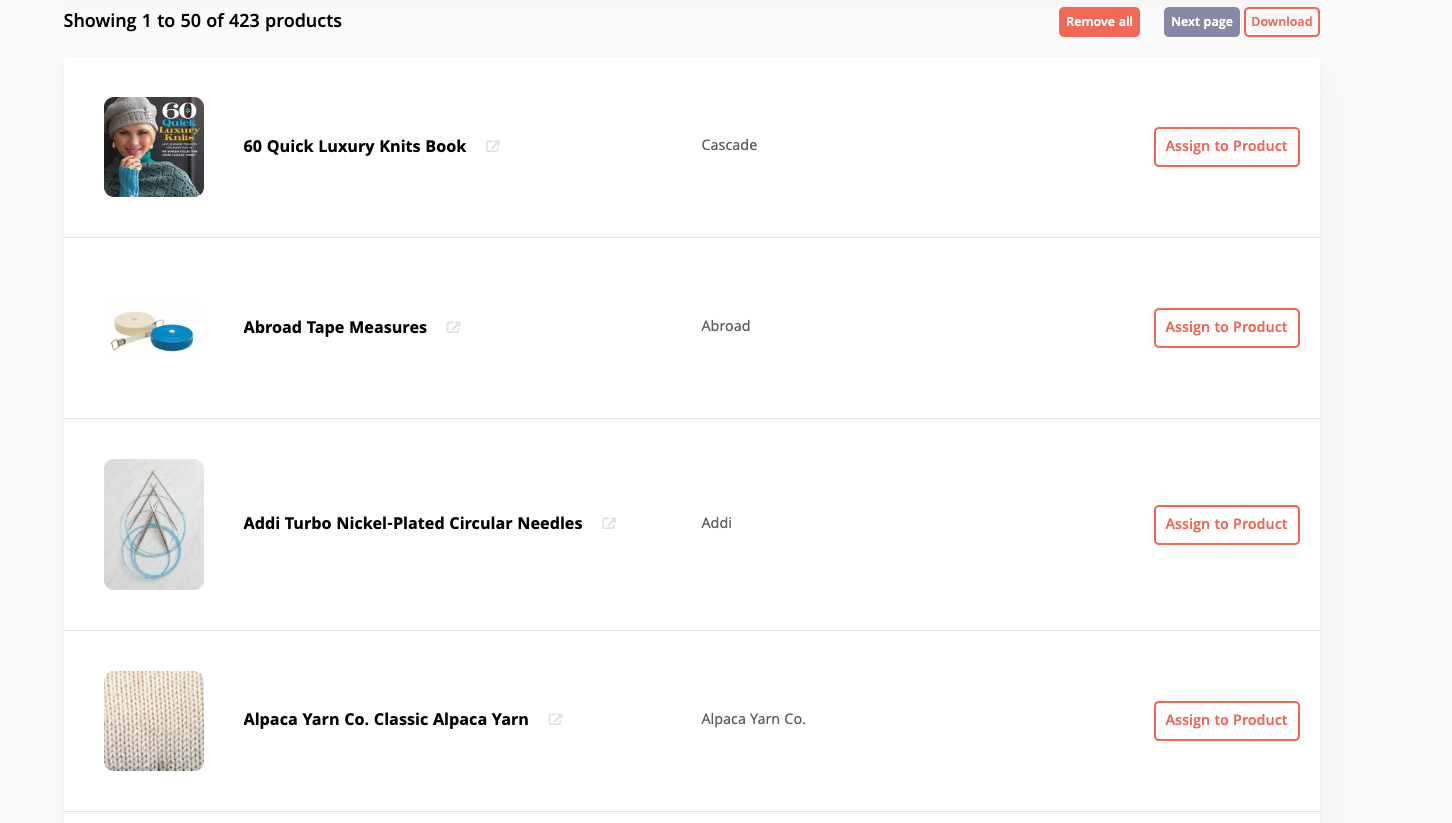
You can either search for specific products in the search bar OR just look through the pages of products. To assign, just click the ASSIGN TO PRODUCT button next to the product.
To remove, on the top of the page where it showed you the cross sells that are assigned, just click the X button in the top right of the product