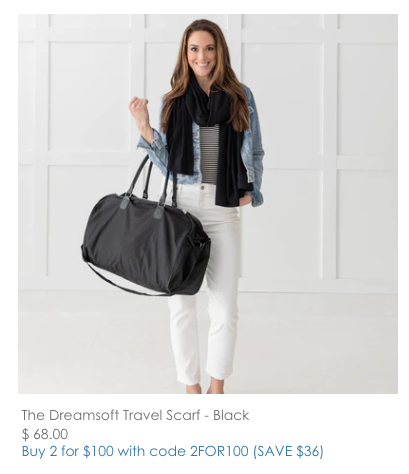
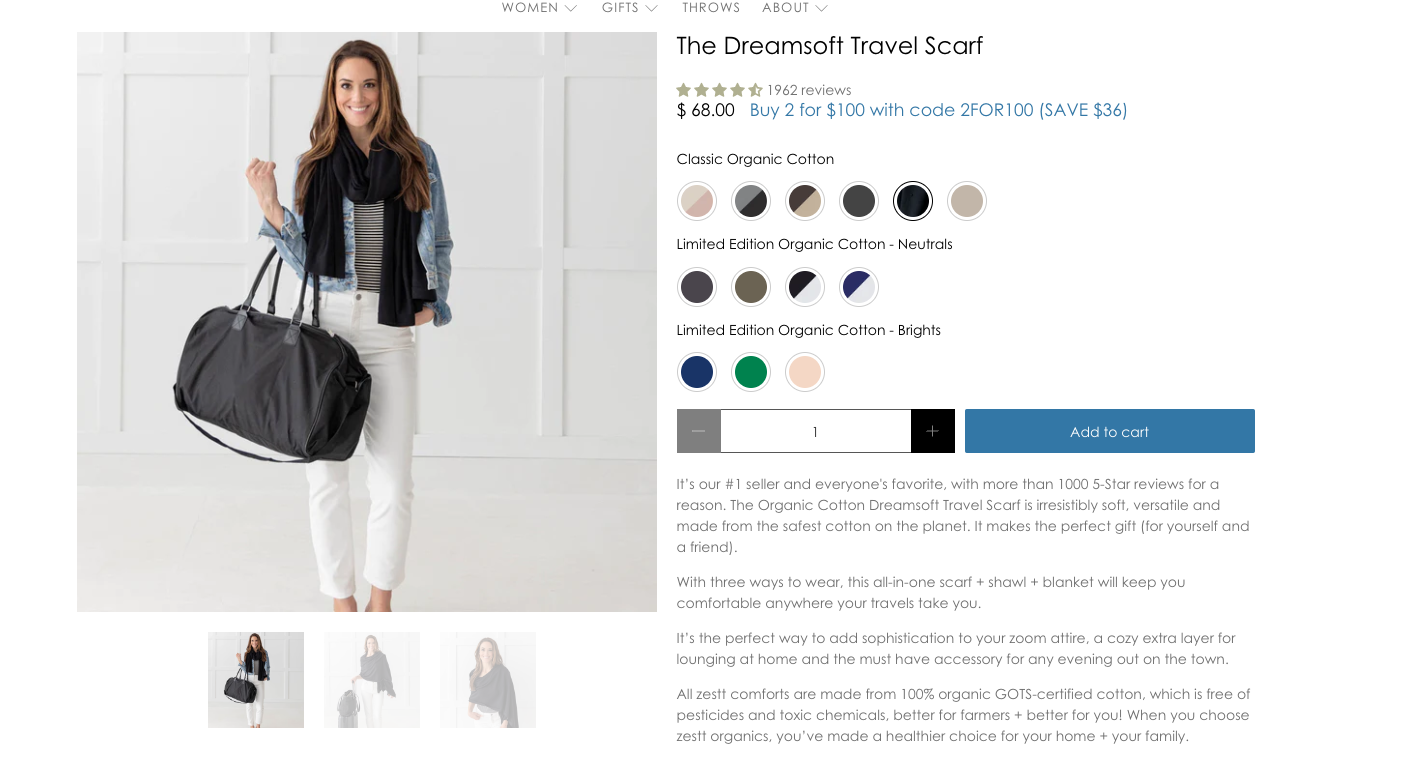
Text on PLP / PDP Configuration
In the theme editor, go to THEME SETTINGS (paint brush icon)
You will see a section called PRODUCT TAG CLOUD

You will be able to add the specfic tags & text here that you want displayed on the PLP & PDP. You also have the option to just show it on one or the other.
You can add up to a total of 10 different tags with specific text when the product is tagged with the tag you entered here.
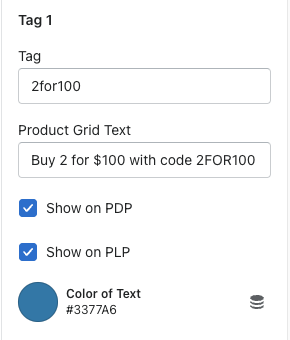
Tag = the tag you add on the product in order to add specific text
Product grid text = the text you enter that you want displayed on the PDP / PLP
Checkboxes = you can either choose to display on the PDP or the PLP or even both. Like shown above.
Color = you can change the color of the text. Note - the color you choose will be shown for both the PLP & PDP if checkboxes are both checked.
Result: