Windows 10 VPN Error - Fix
Reset Network Adapter
- Right click Start and select Device Manager
-f2bd826bcabaf421679cb4e7c26cc3ce.png)
Find Network Adapters and click to expand the list
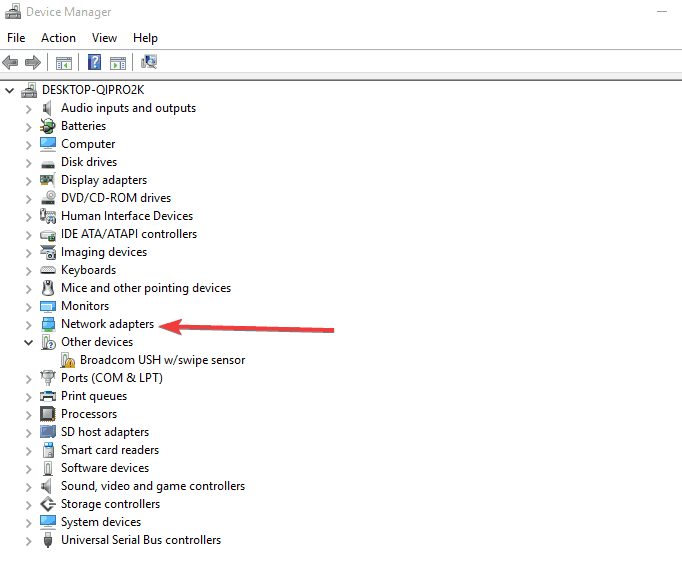
- Identify your network adapter and right-click on it then select Uninstall
- Click OK
- Restart your computer. The device will reinstall and should reset it to default setting