Plotter Loses Connection
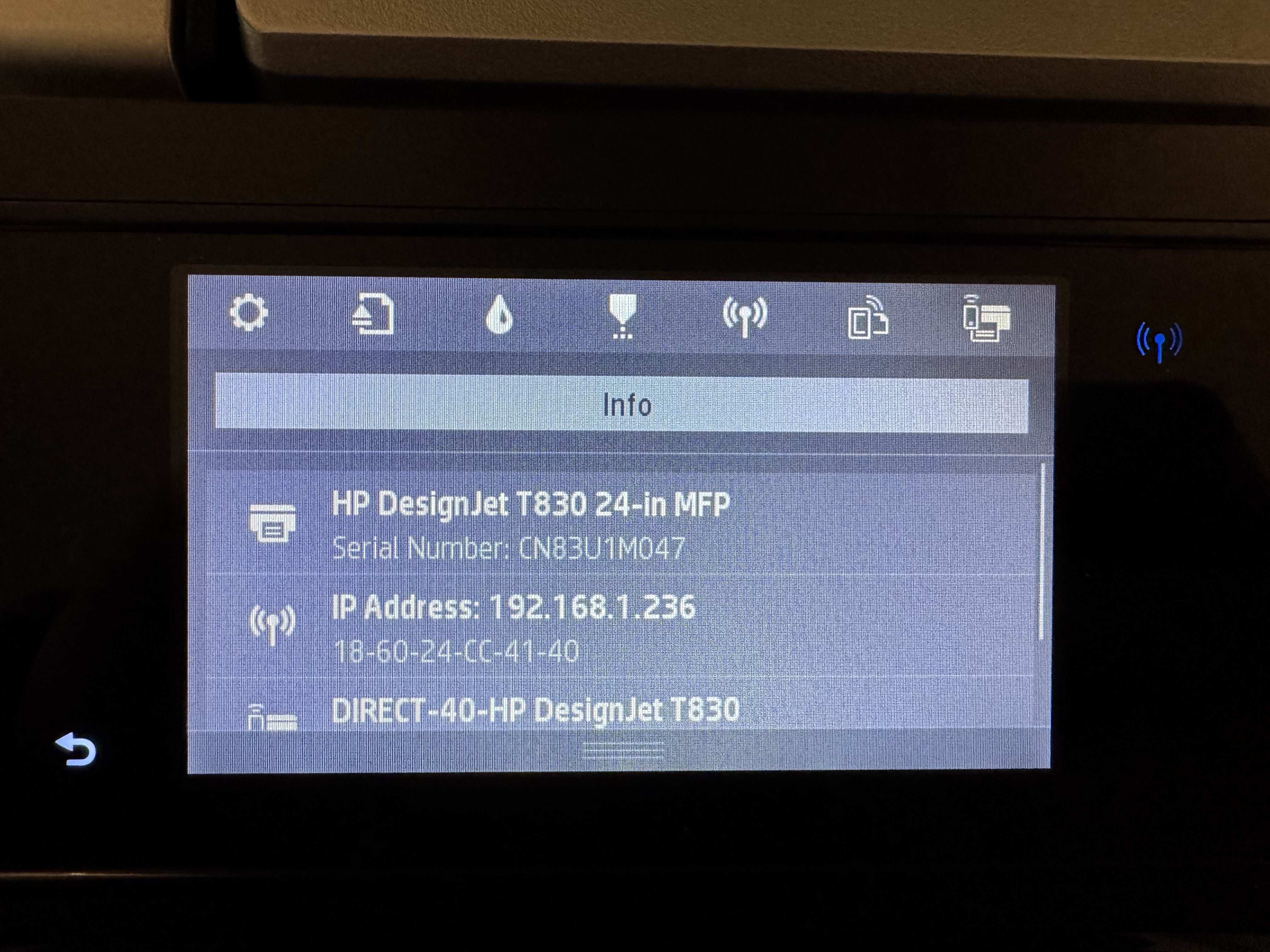
- On the main screen of the plotter, pull down the menu from the top by swiping down
-e84ab2f4f999c57582bb4ca8ef866d31.jpg)
-
Tap on the IP ADDRESS
-
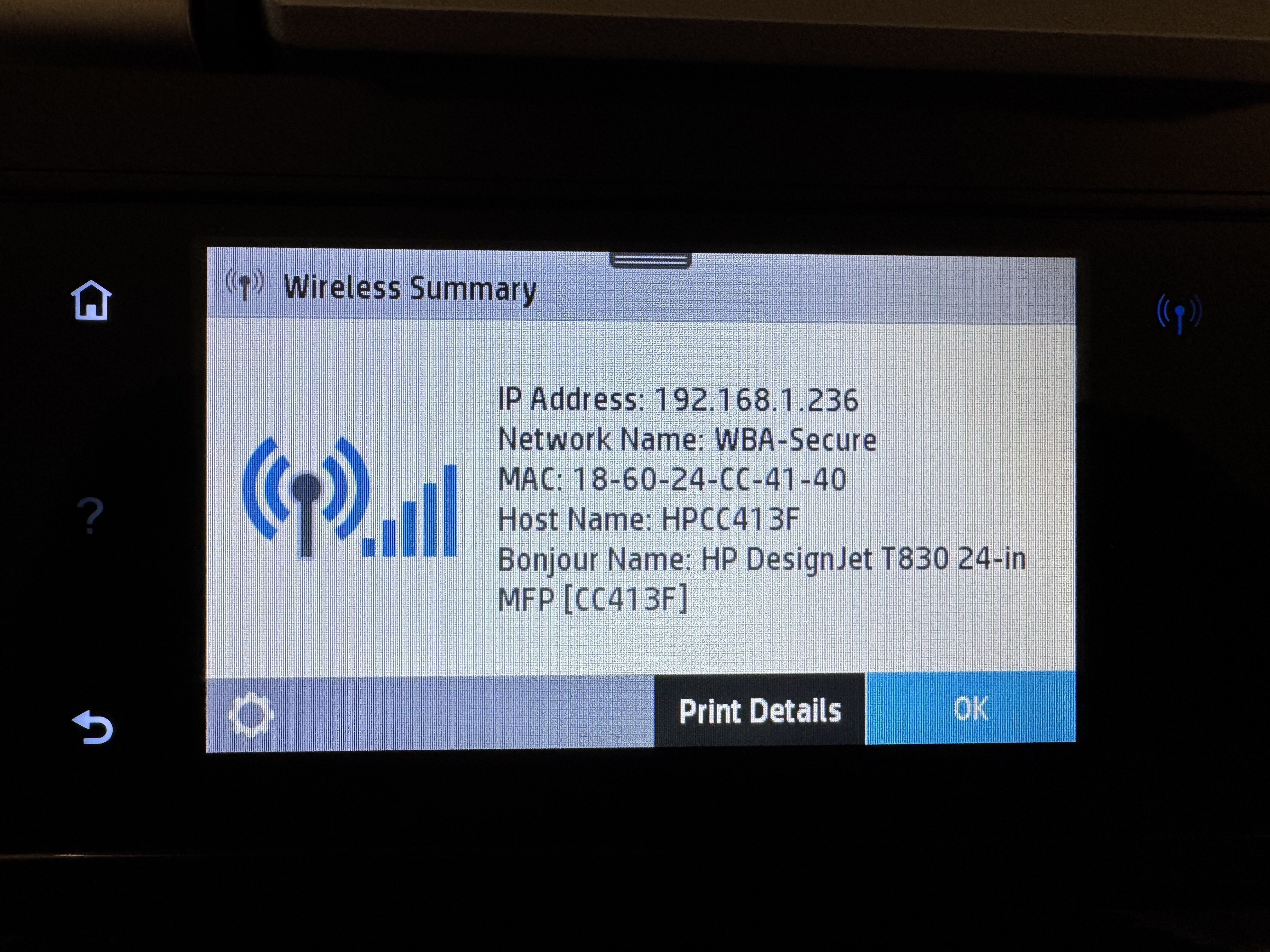
Tap on the Settings cog on the bottom left
\
-
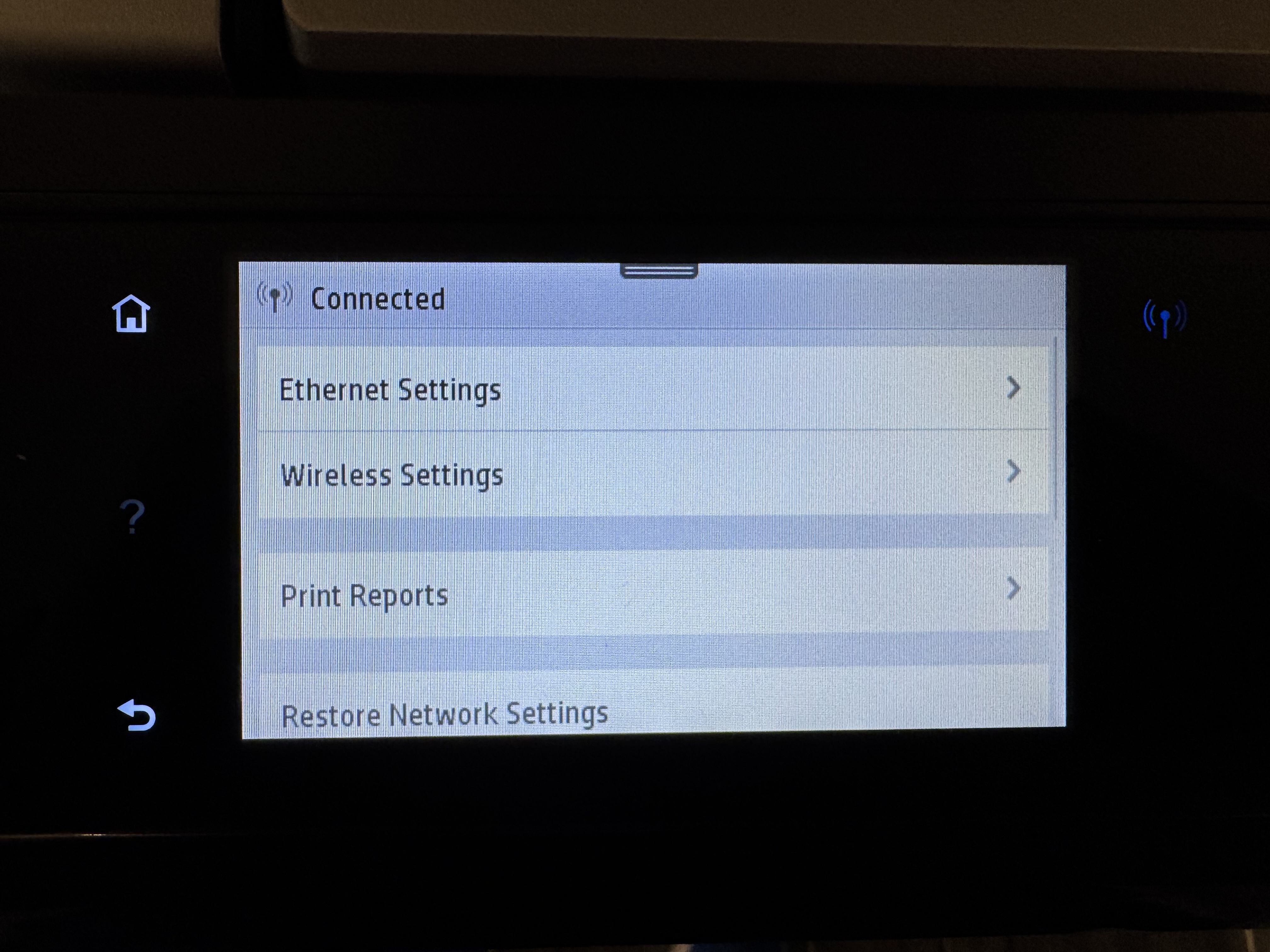
Tap on WIRELESS SETTINGS
\
-
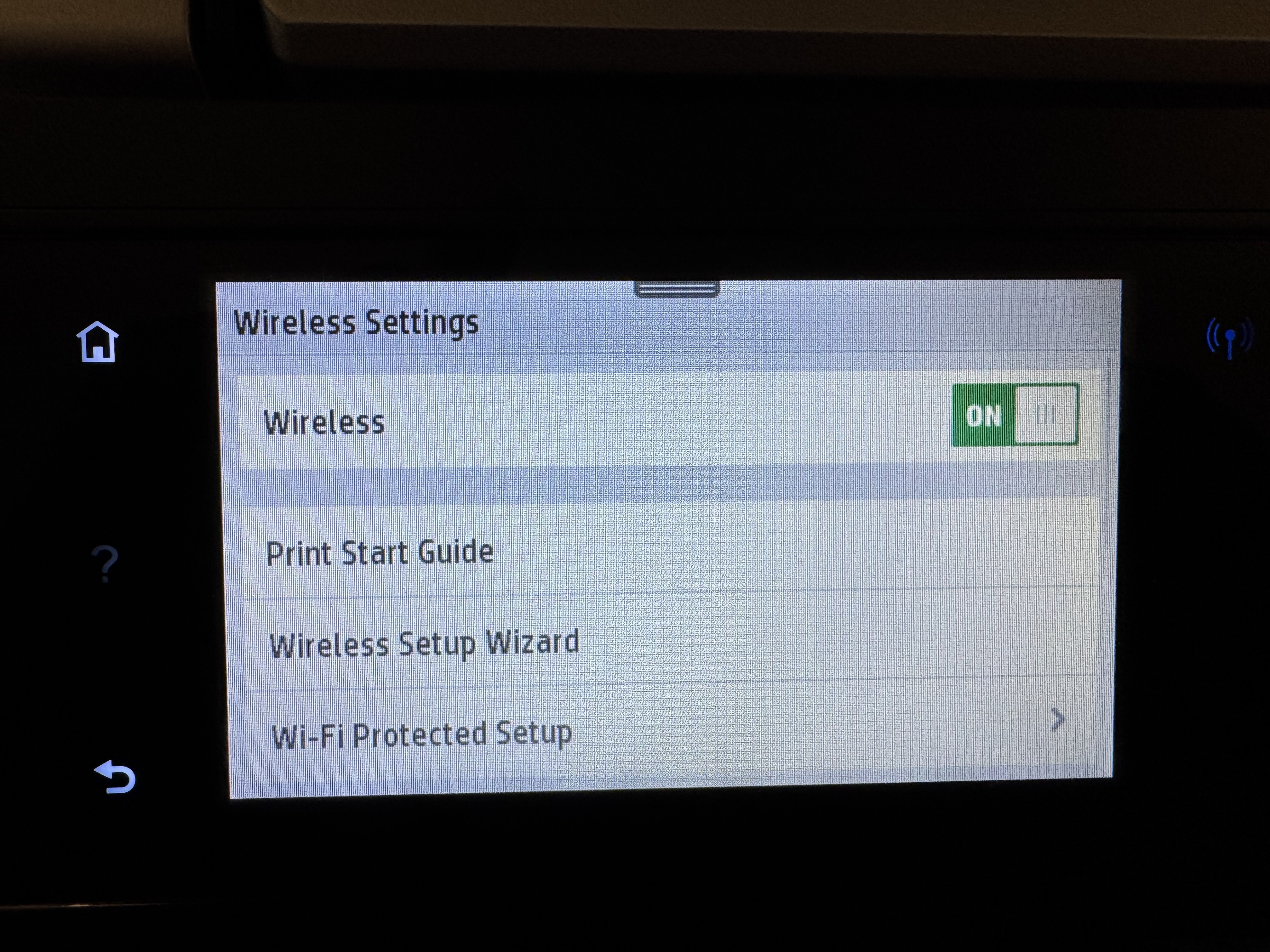
Tap on the Wireless ON toggle
Note, this will turn wireless off
\
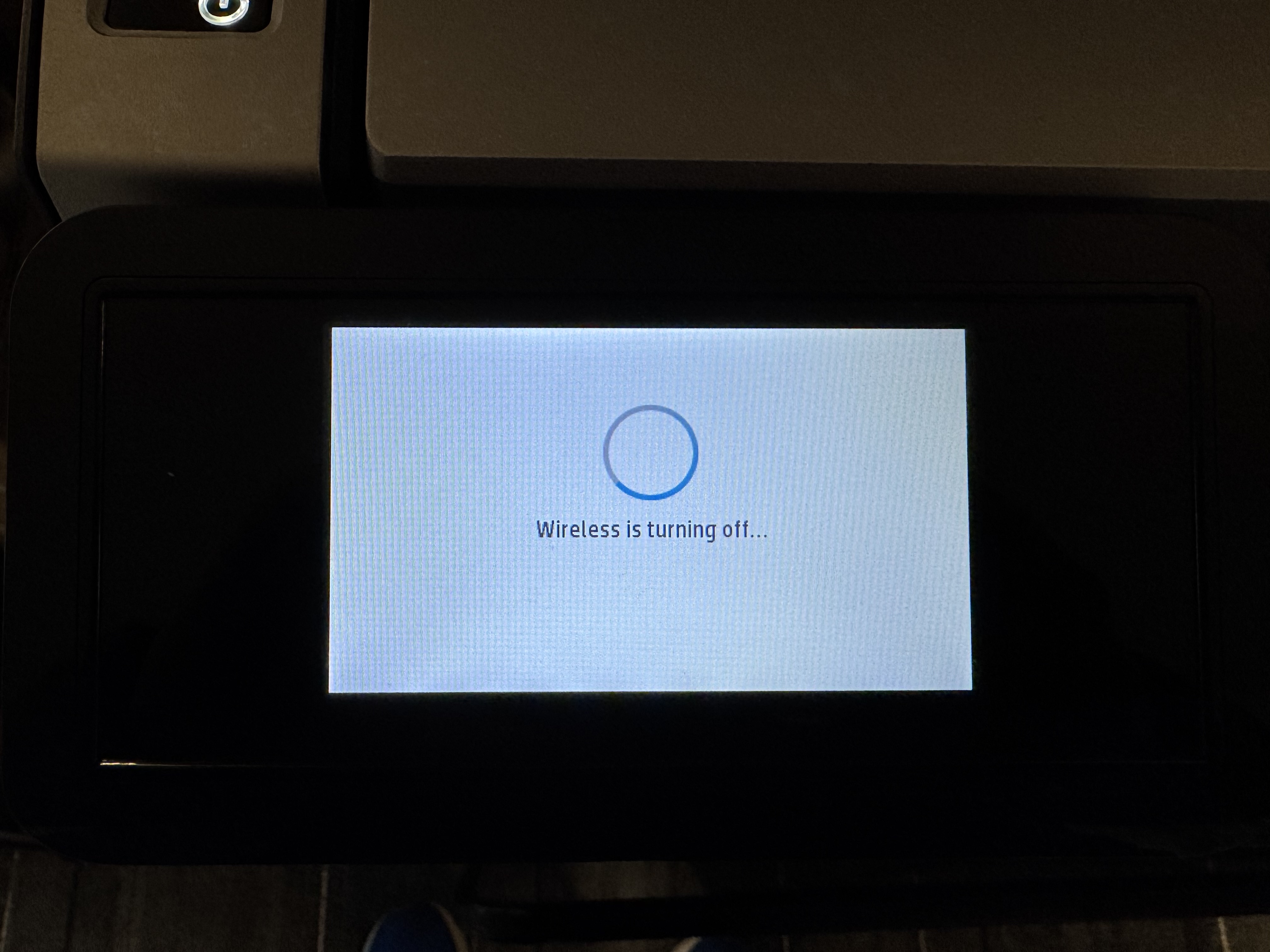
-
You will see the Wireless Toggle set to OFF, tap on it again to turn on (after waiting 1 minute)
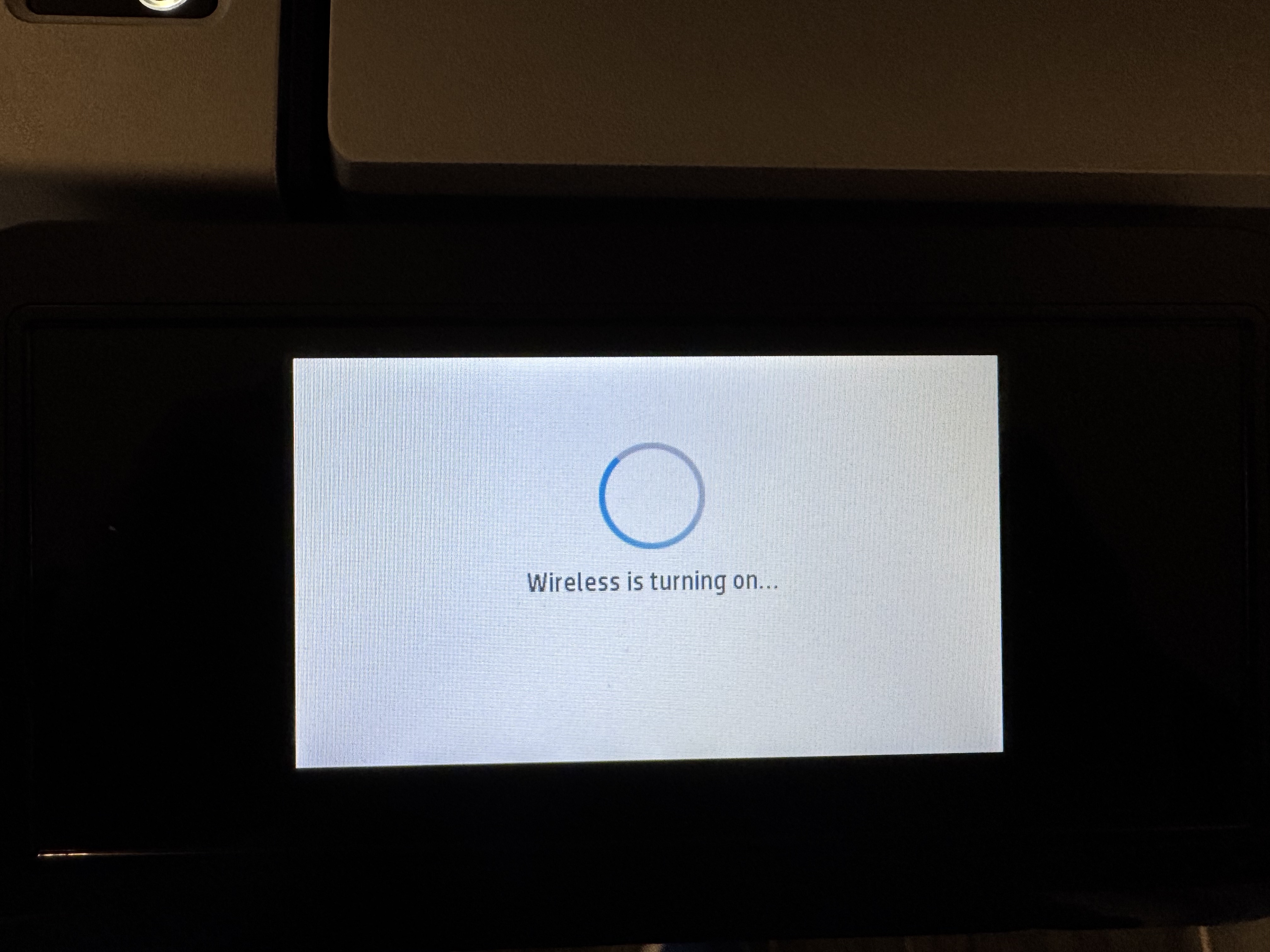
This should fix the connectivity issues.