How to Wirelessly Project to the TV in Steve's Office
- Make sure the TV is on, doesn't matter the channel or input.
- Click on the chat bubble on the lower right of your start bar
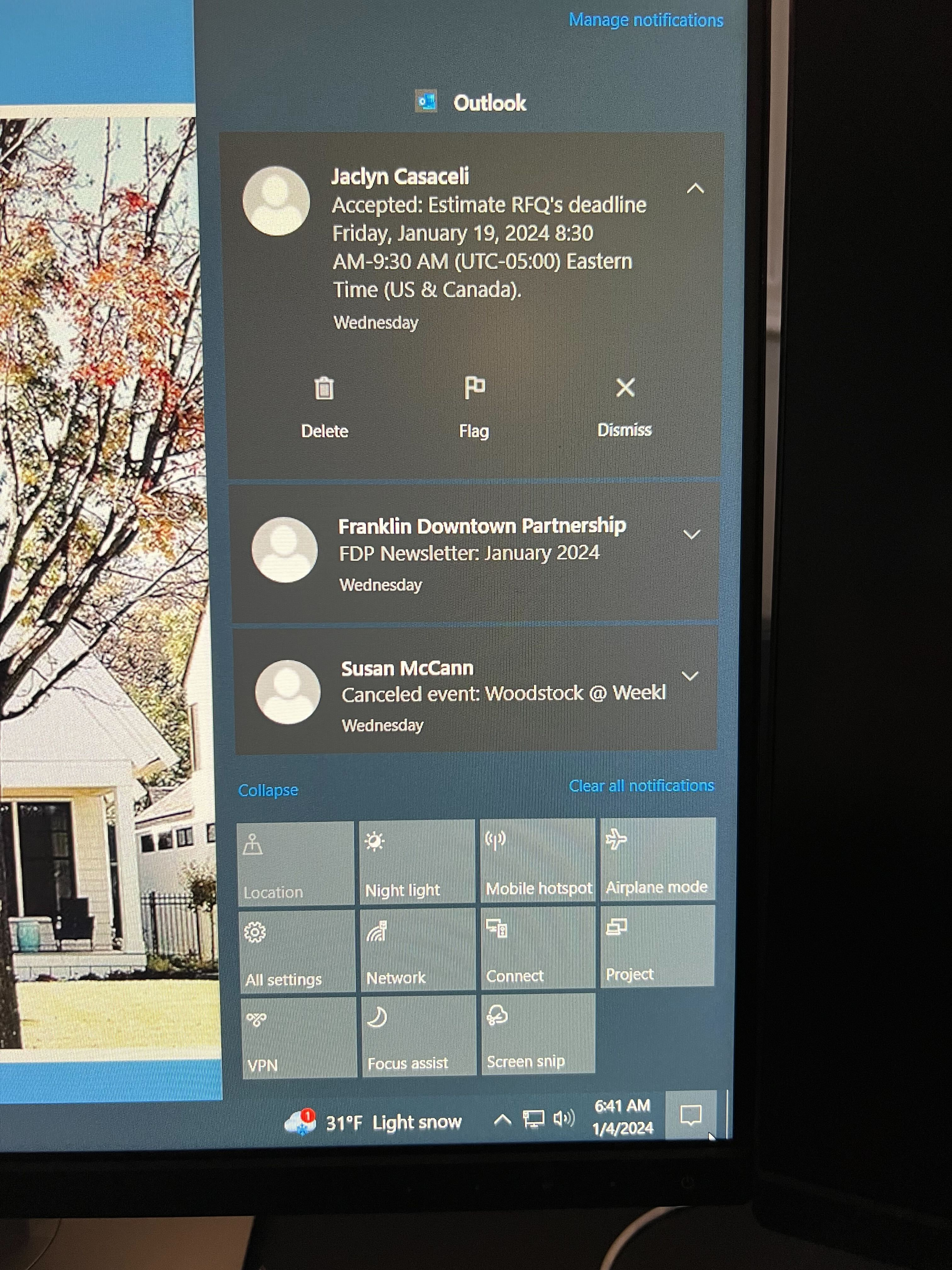
- Click on the CONNECT box
-ddb8d4a7593bf3340d52abcec2d84135.png)
-
Select the LG webOS TV, then click on CONNECT and wait (note, sometimes it will just automatically connect without the button)\
-2b78254239b2cac934b6027d3b313980.png)
-
The TV will show that it is starting to connect, sometimes the TV may ask you to accept the connection. Use the remote to hit ACCEPT or ALLOW
-add0bcd3a461e86765d85f18fef65d38.png) \
\