How to change HP Banner Image
Navigate to the homepage in the theme customizer
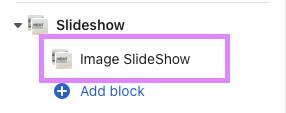
Go to the SLIDESHOW Section - click the ImageSlideshow block
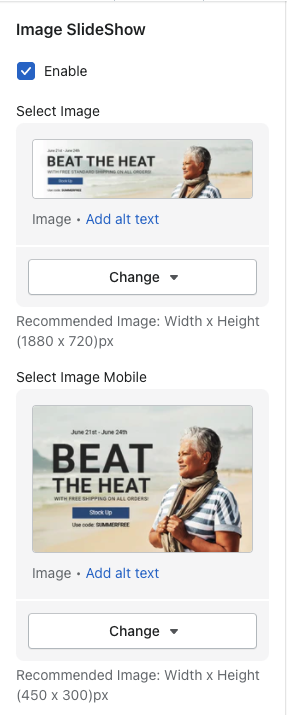
You will see a desktop image & a mobile image
Select CHANGE then change image
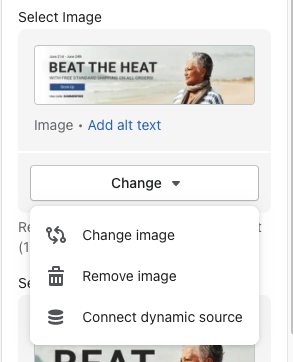
You can then upload or scroll through the files to find the old banner image.
Repeat the same steps for the mobile image option.