Featured Collection Update - Blog Article
The featured collection section, heading, and button text are all configured using metafields for the blog article page.
We set it up this way so it can be different for each article template.
In Shopify, click on the blog posts section. Click on any blog post. At the bottom of the page, there is a metafield section

Click on SHOW ALL
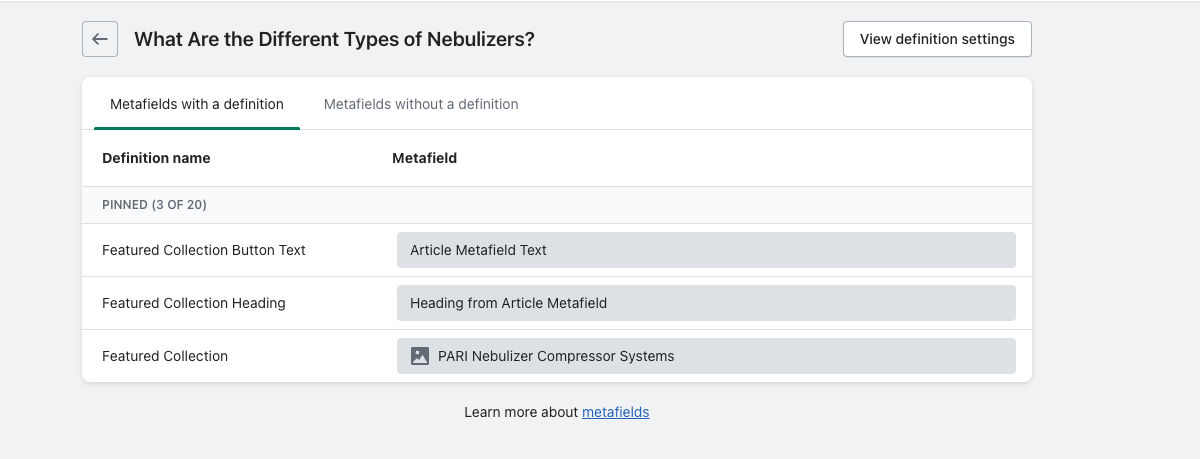
Featured collection = the specific collection you want to show on the blog post
Featured collection heading = the specific heading text you want to add
Featured collection button text = the text that will display in the button below the section
In the theme customizer, in the blog posts section, there is a setting where you can enter default heading text & button that will show in the section if nothing is specifically entered in the metafields.

