Holiday Alert Section
Holiday Pop-up section is called: Holiday Modal
Settings:
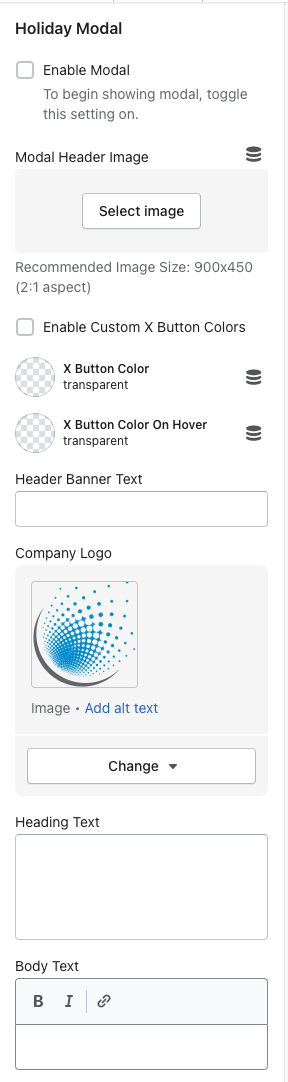
Enable Modal Checkbox - when checked, this enables the pop-up to show. When disabled, the pop-up will not show
Mobile Header Image - Add image to show in the holiday pop-up
Enable Custom X Button Colors - this allows you to change the button color & button color on hover when enabled
Header Banner text - Text that displays in the blue banner
Company logo - image of the logo (like what PARI site has)
Heading Text - Main heading text of the pop-up
Body text - Paragraph text on the pop-up
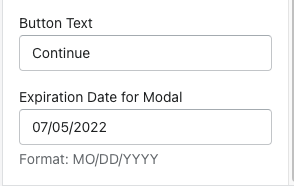
Button text - text that displays in the button
Expiration Date for Modal - enter the expiration date in the correct format - once the date of expiration has reached, the pop-up will not show.