How to Run the Collection Sort
-
Navigate to the Admin page, then select COLLECTIONS
-
Select the Collection desired, then MORE ACTIONS / Sort Collection
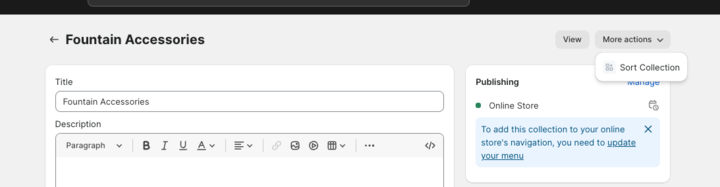
-
Wait until you see "Collection Has Been Sorted!"
-37097d3b0f3fb7614f4363a0a6f387a6.png)
At this point you can hit BACK and go onto the next collection.
NOTE - This can take anywhere from 1-10 minutes, depending on how many items are in the collection