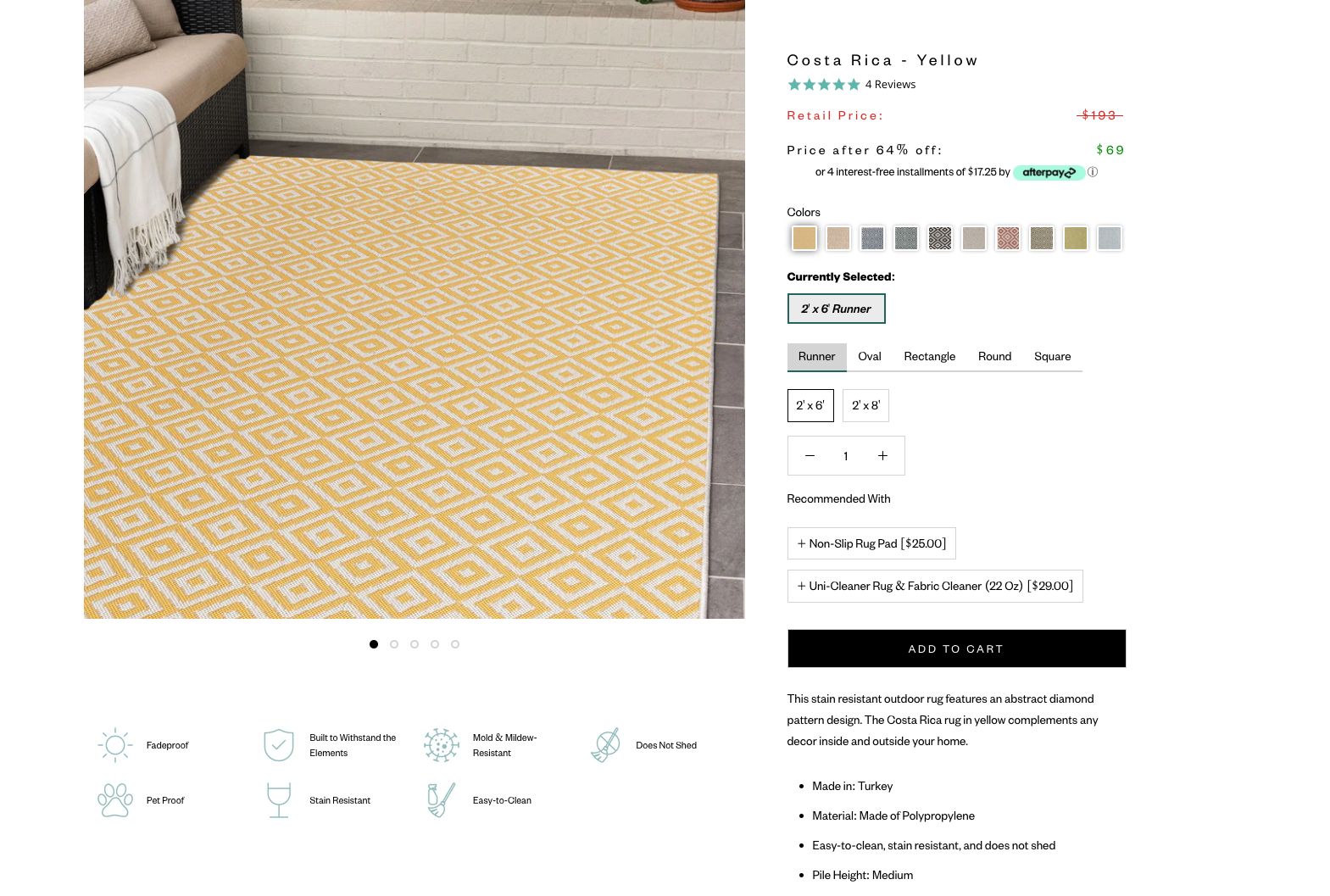
New PDP Settings
Tabs instead of drop-downs for RUGS
In the dropdown, select PRODUCTS > DEFAULT PRODUCT
Then, select the PRODUCT PAGE section
Go to the SELECTOR TYPE DROPDOWN - this is where you can select the TABS option

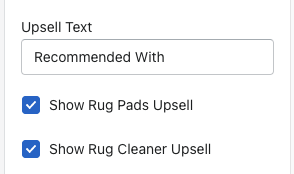
Upsell Text
Upsell text field - can change the text that shows above the Upsell products
Show rug pads upsell - enables the rug pad upsell to show
Show rug cleaner upsell - enables the rug cleaner upsell to show
Adding Icons
On the product in the ADMIN of Shopify, we have added in metafields as an easier way to show icons on the PDP for rugs. Just scroll down all the way on the page and you will see the below metafield section.

There are true/false options. To show an icon, select TRUE. If false OR nothing is selected, the icon will not appear.