In the Admin panel on the left side of the screen click Discounts
Click on the Create Discount button on the right side of the page.
Select the type of discount to be created - Select Discount Code.
Fill out the sections on the Create discount code page - The headings will change based on the type of discount, this is the headings listed when the page is first opened.
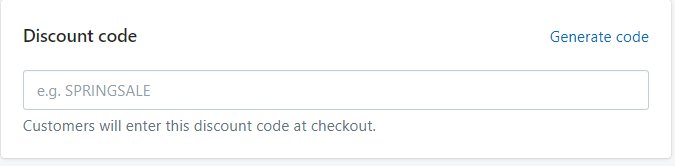
Discount code - Two options:
Add your own code to the text box.
Click Generate code for Shopify to do it for you.
Type of discount
Select the Value
Select what the discount code applies to.
Minimum requirements
Customer eligibility
Usage limits
Active dates
Double check that everything is correctly filled out
-1d1061552b50778fa4d7eb0d4abfd976.png)

-86ee0bc355d868490fe53c9b1361707f.png)