Max Quantity Update
In theme settings, click the PRODUCTS block

You will then see these settings:
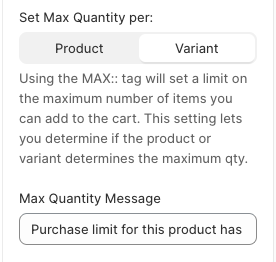
First step: Need to tag products that have a max qty. The tag is: MAX::XXX
Anything after the two colons, is the number you want the max qty to be.
Set Max Quantity Per: Product OR Variant. This setting lets you determine if the product or variant determines the max qty.
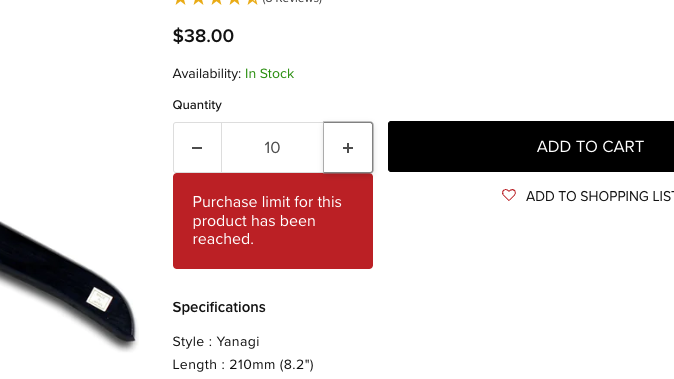
Max Quantity Message: Enter the text you want to display here to notify the customer of when the max qty has been reached. This is what it looks like on the front end: