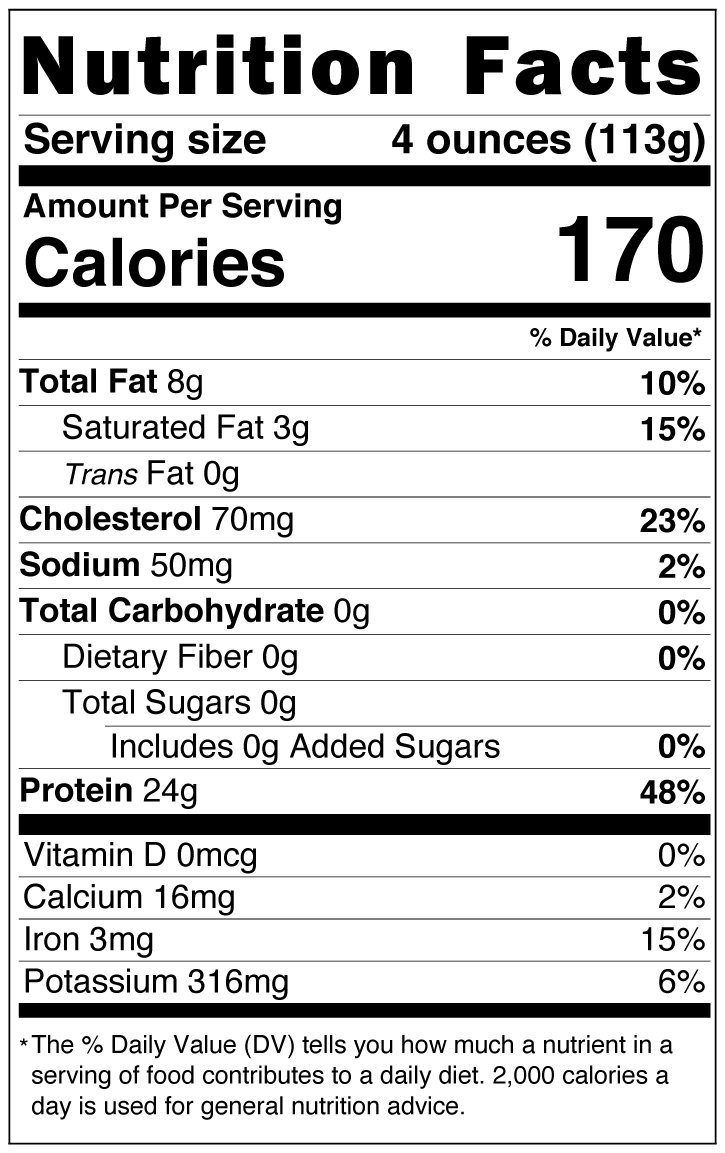
Nutrition Metafields How-to
1. Download this extension to chrome: https://chrome.google.com/webstore/detail/poshify-utilities/albldpmnhhhcjiladaacehfabibgbllk
2. It should load on the Shopify left-hand admin panel, called Poshify Utils
3. Click that in the admin panel
4. It will open up a box, click "Metafields Editor"
5. Search for the product you want or scroll down the list of products, click it.
6. Create New Metafield:
> Namespace = global
> Key = nutrition
> Value = the image name as it's uploaded in the Shopify files (ex: Black_Label_Tenderloin_Filet_NFP.png)
> Make sure "Save as String" is checked
7. Hit create