Custom Page Logo
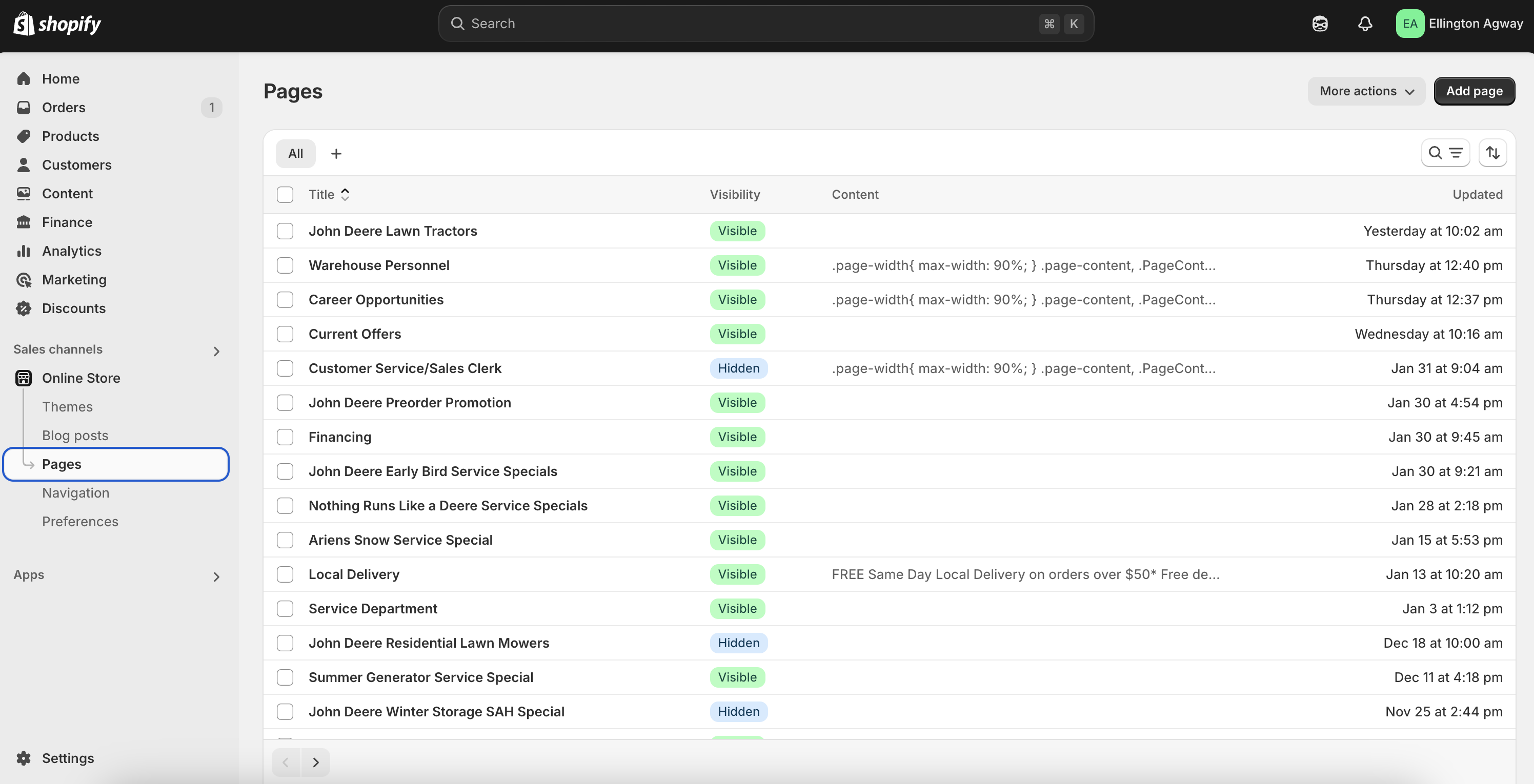
To add a custom logo to a specific page on your store, you can navigate to Pages under Online Store in the Store Admin as shown in the screenshot below. Choose the page you'd like to add the custom logo to.
On the page, you can choose the custom logo by editing the Landing Page Logo metafield as shown in the green outline in the screenshot below:
-6035204718c8044fd4a7ef158c3fe18d.png)
Next, we will navigate to our online store and go to the header settings in the theme. In the header settings, check the Enable Custom Landing Page Logos setting to set it to true.
-bee7651367163e770f0d5b64c4a8abb0.png)